Notice: This page is still under development and currently being built. It is not yet intended for the public and will still change in content and appearance.
 For iPhone, iPad & Mac
Backlog, releases, sprints and a board in one calm app. No server, no account, works offline.
For anyone who finds big project tools too heavy and a to-do list too light.
Plan bugs, ideas and releases of your app properly.
Ship new features in sprints instead of on demand.
Keep the plan on your own devices and show it in the review.
Deliver client projects in stages, with a clear status.
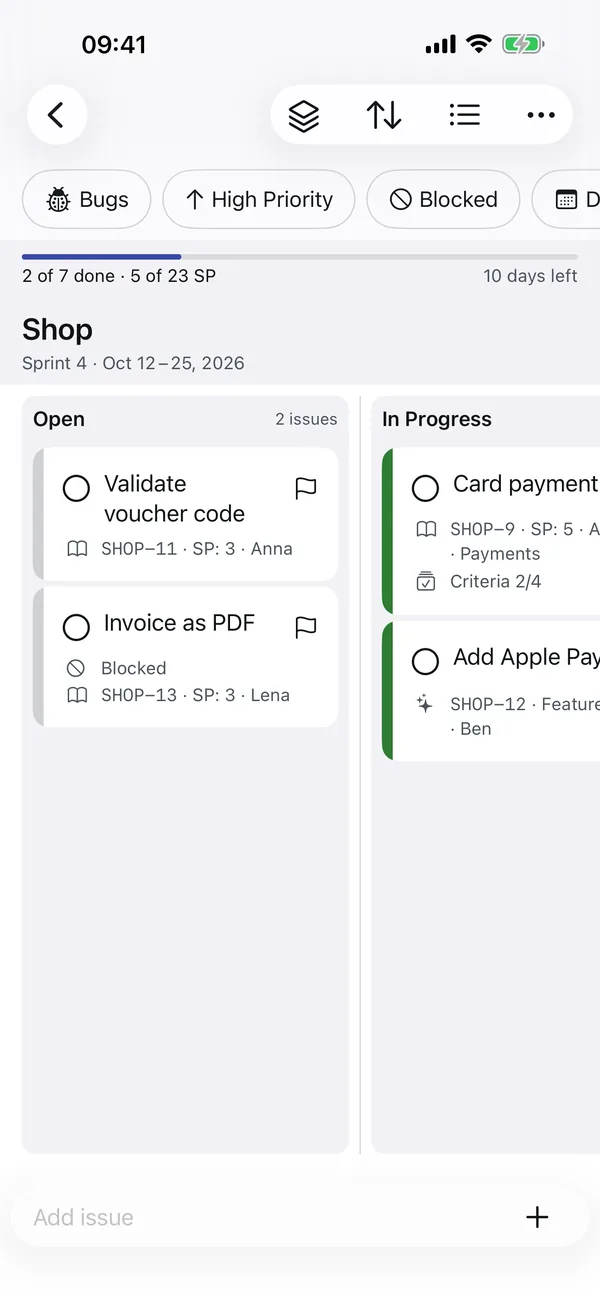
Real screens from the app, with made-up sample data. Pick your device and swipe through.
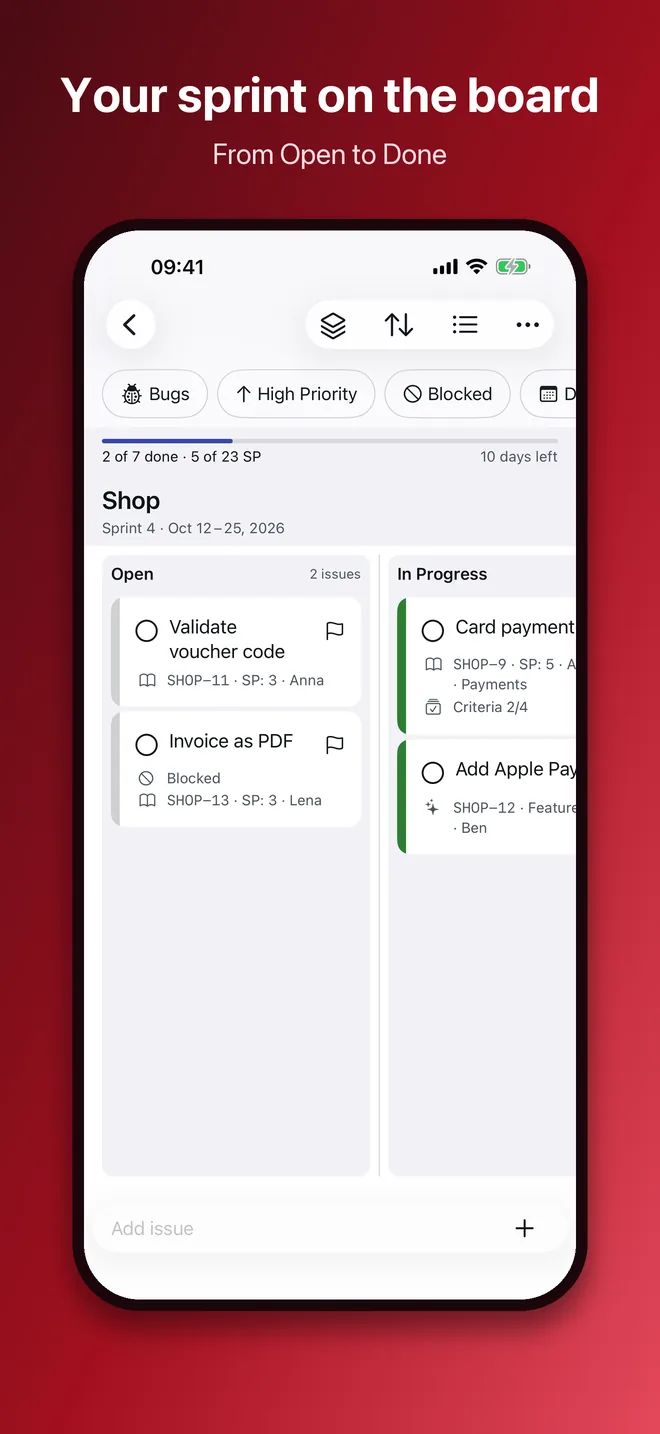
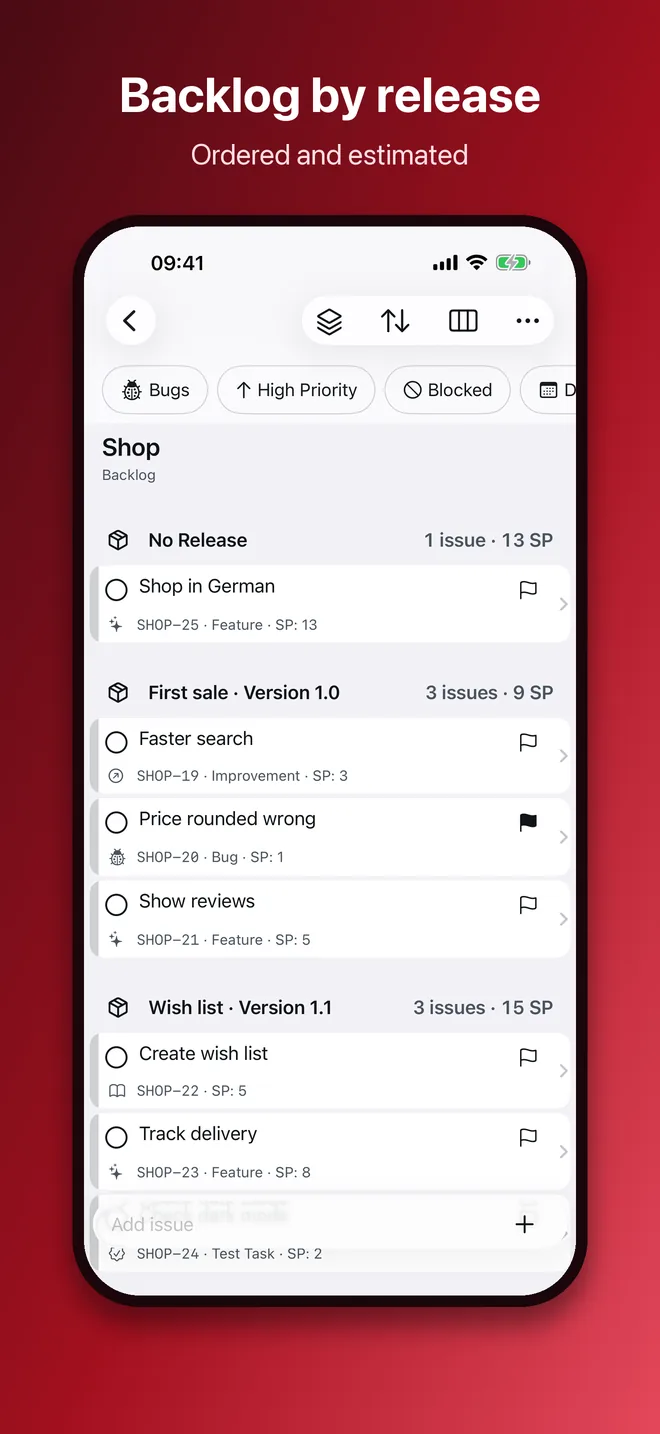
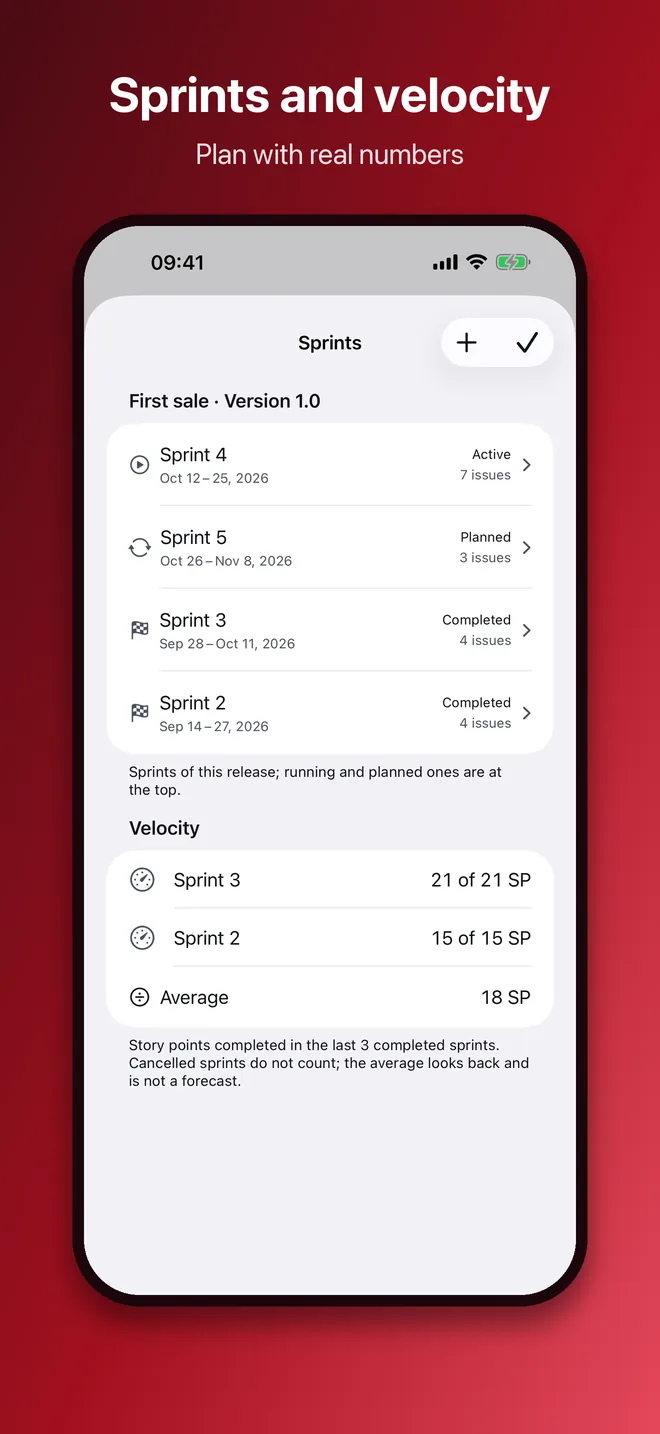
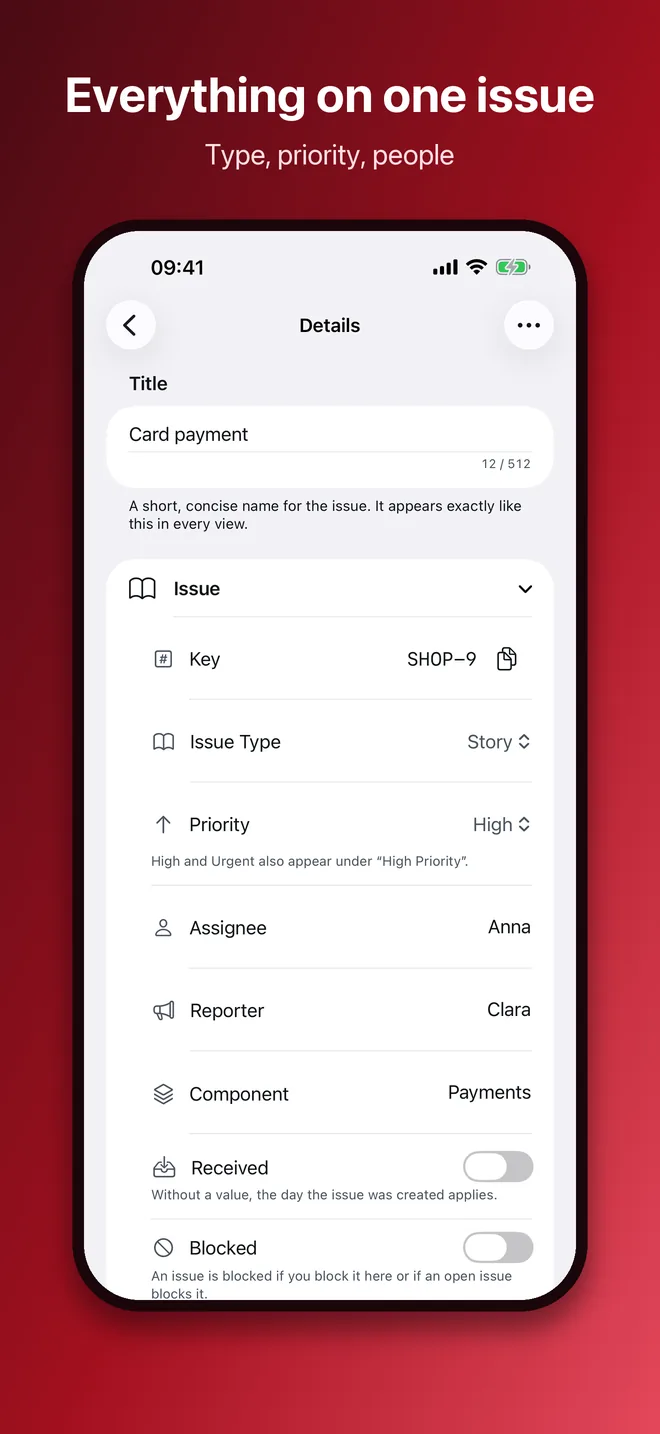
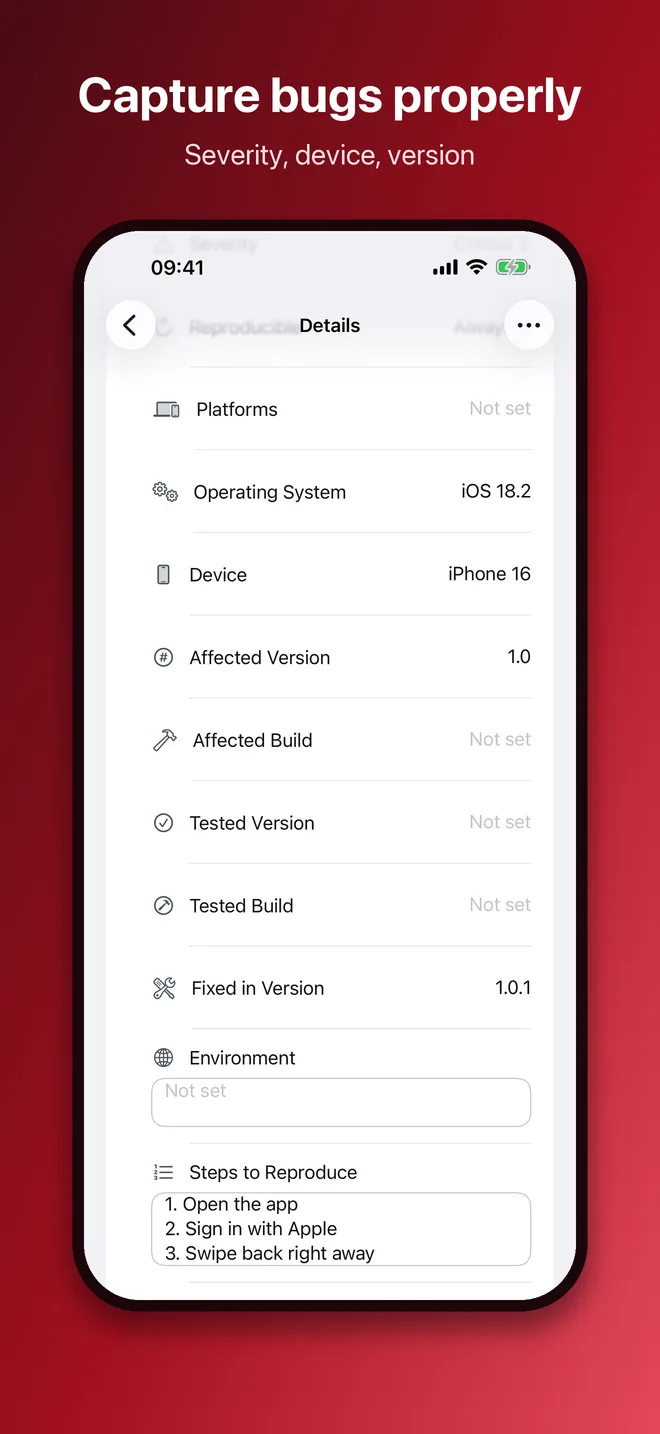
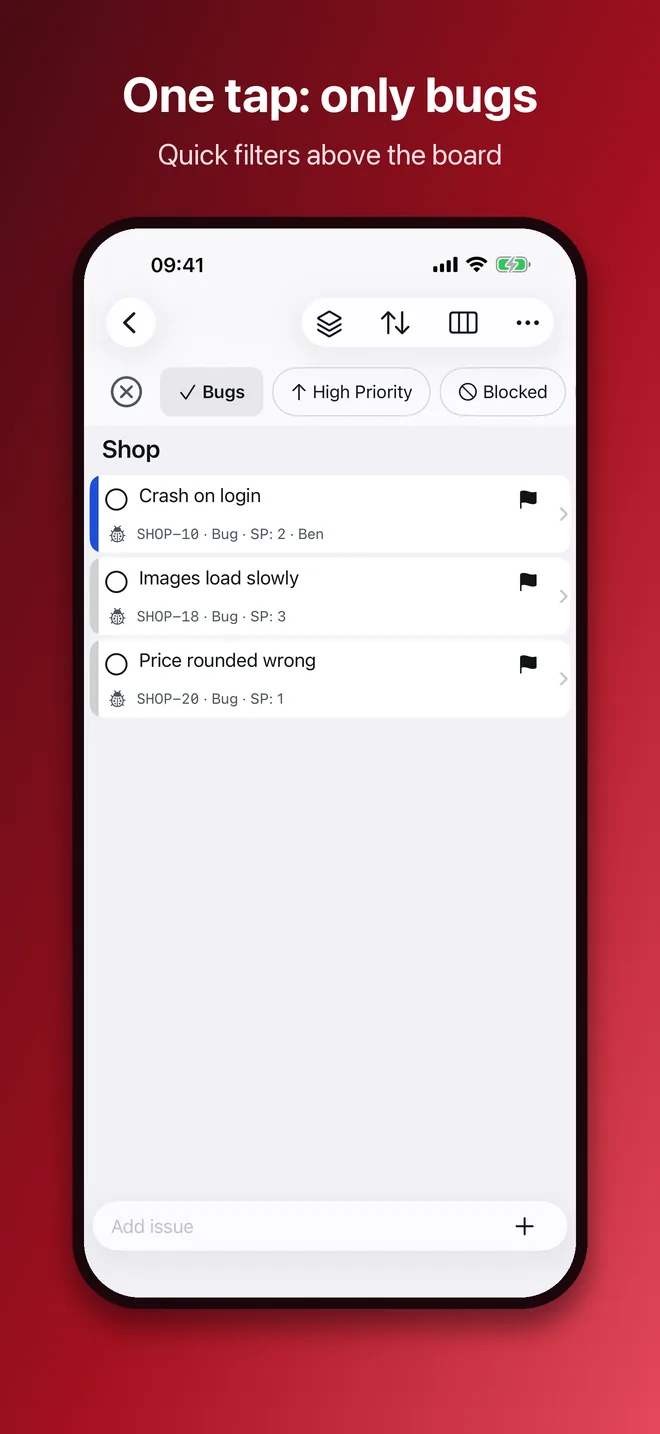
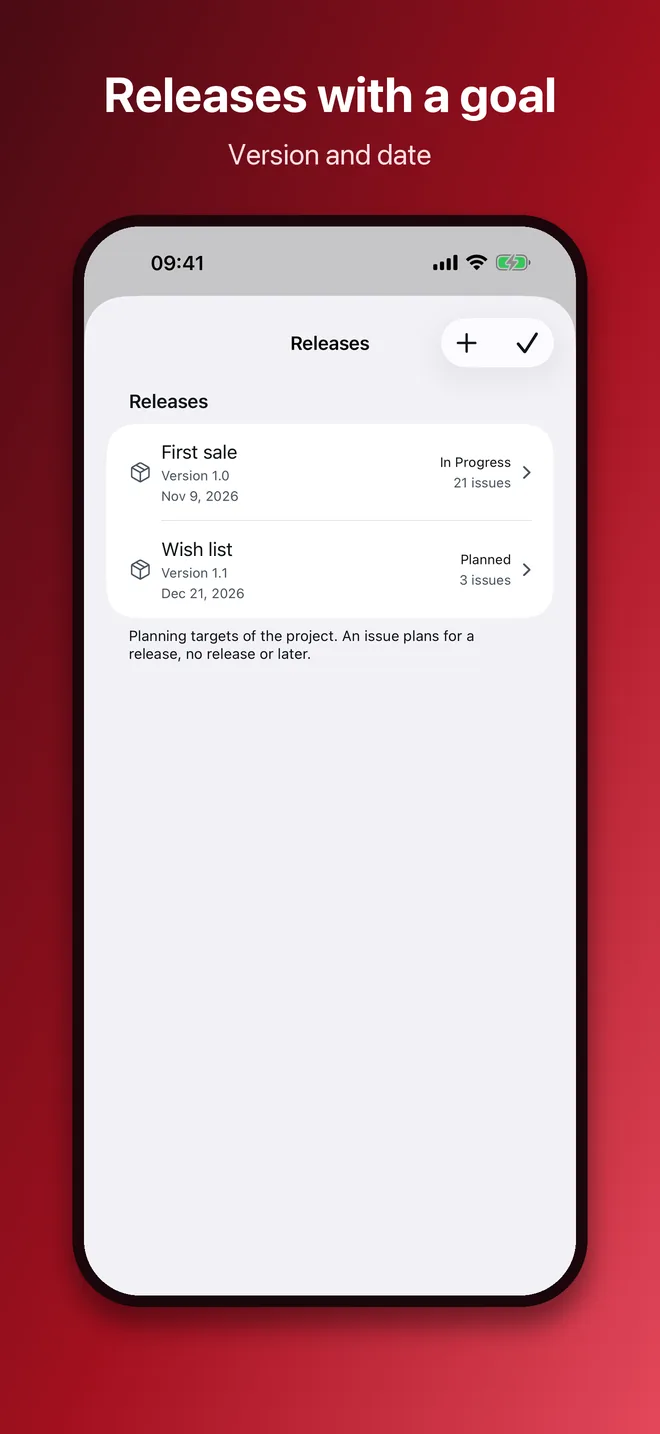
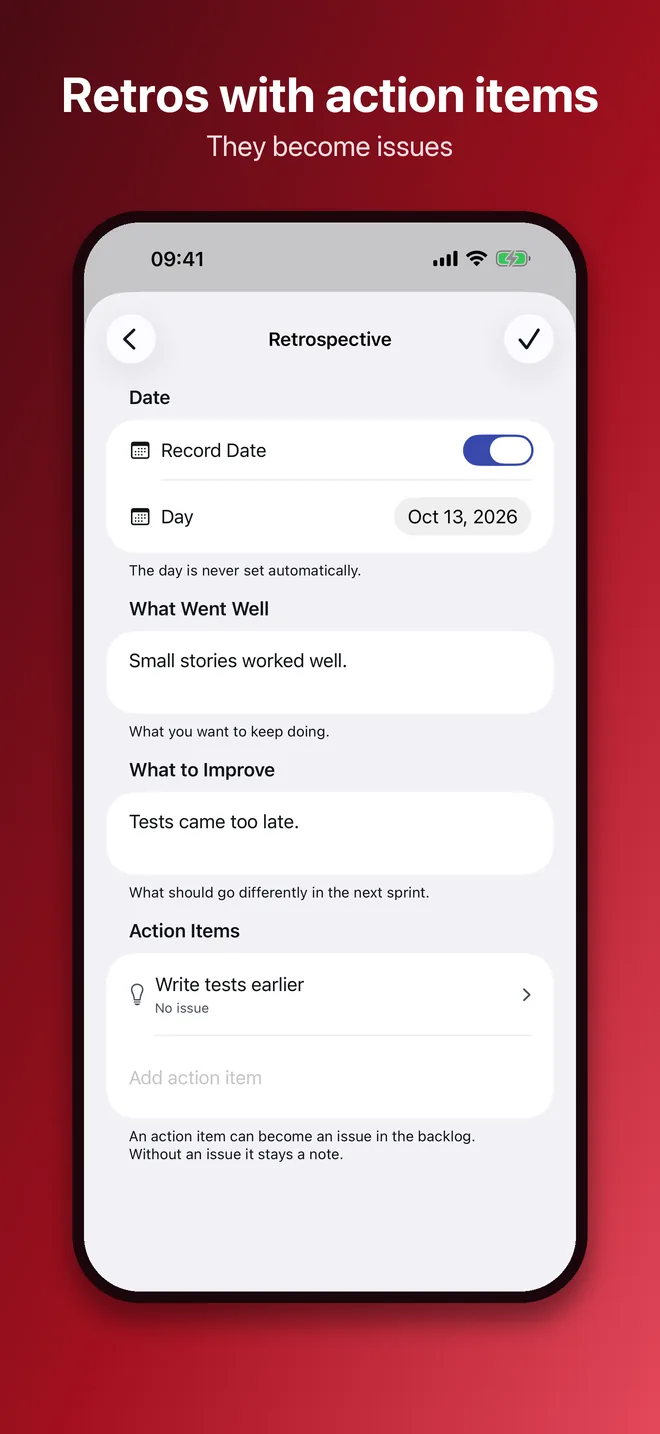
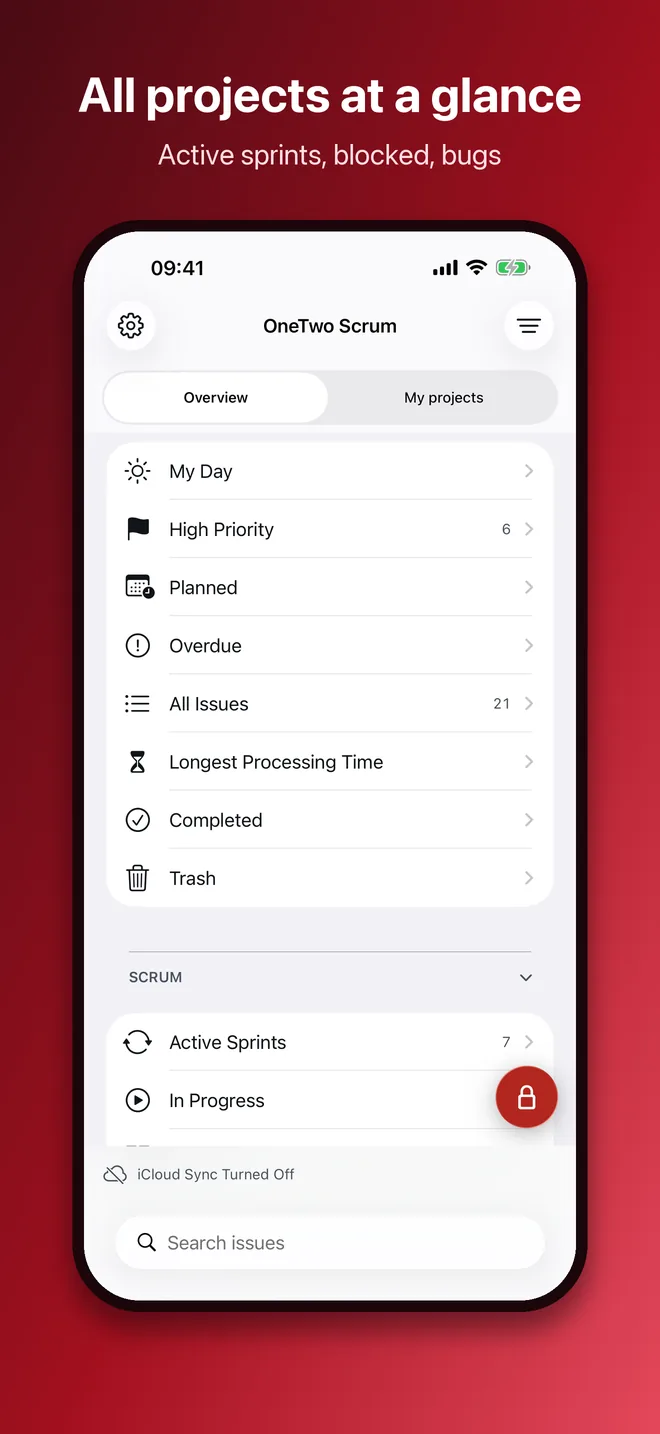
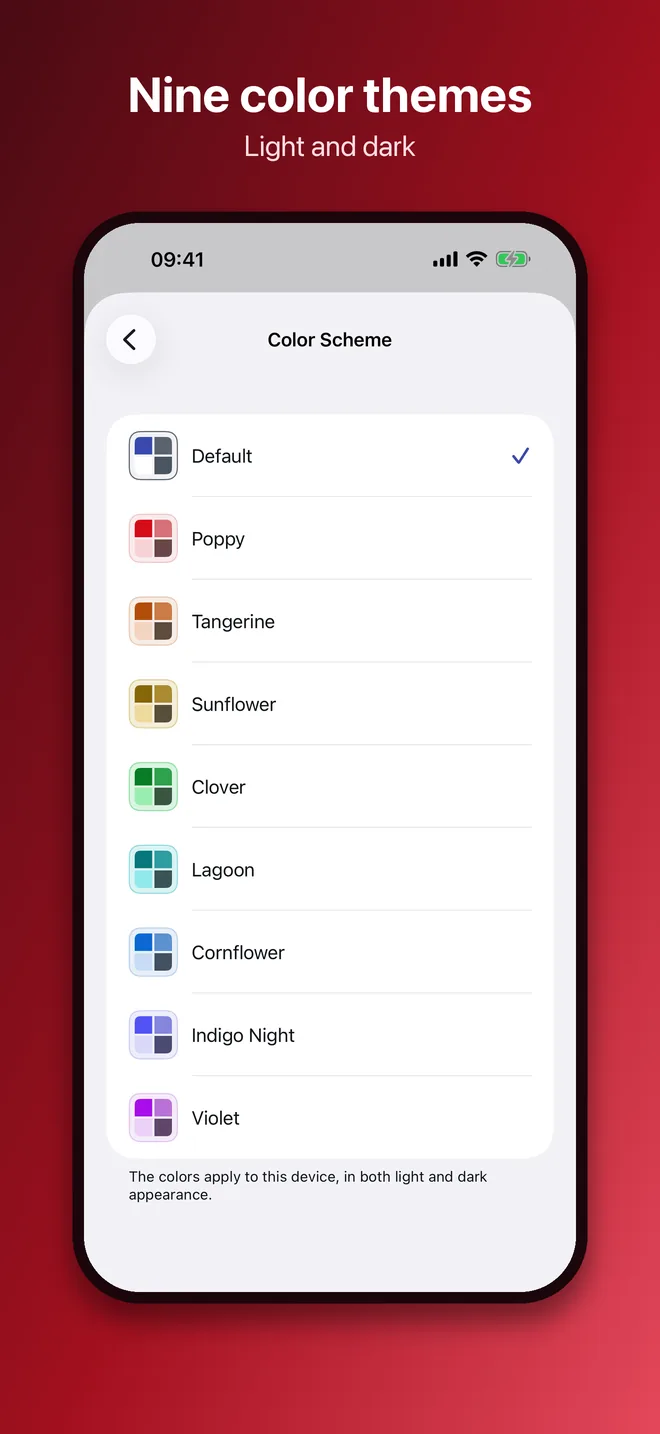
iOS 18 or later. Swipe the board sideways, document scan, camera and sketch as attachments, widgets on the Lock Screen too.
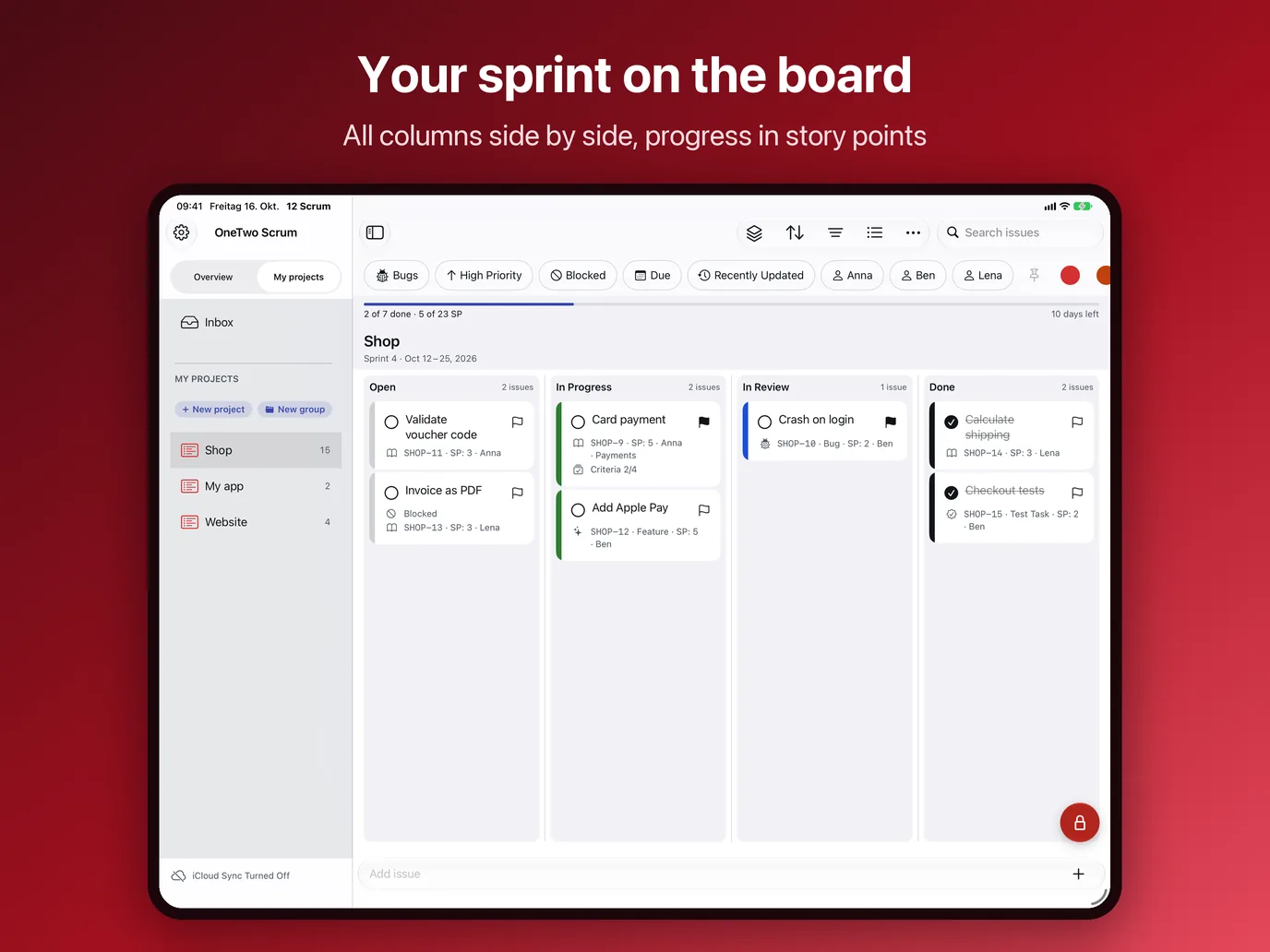
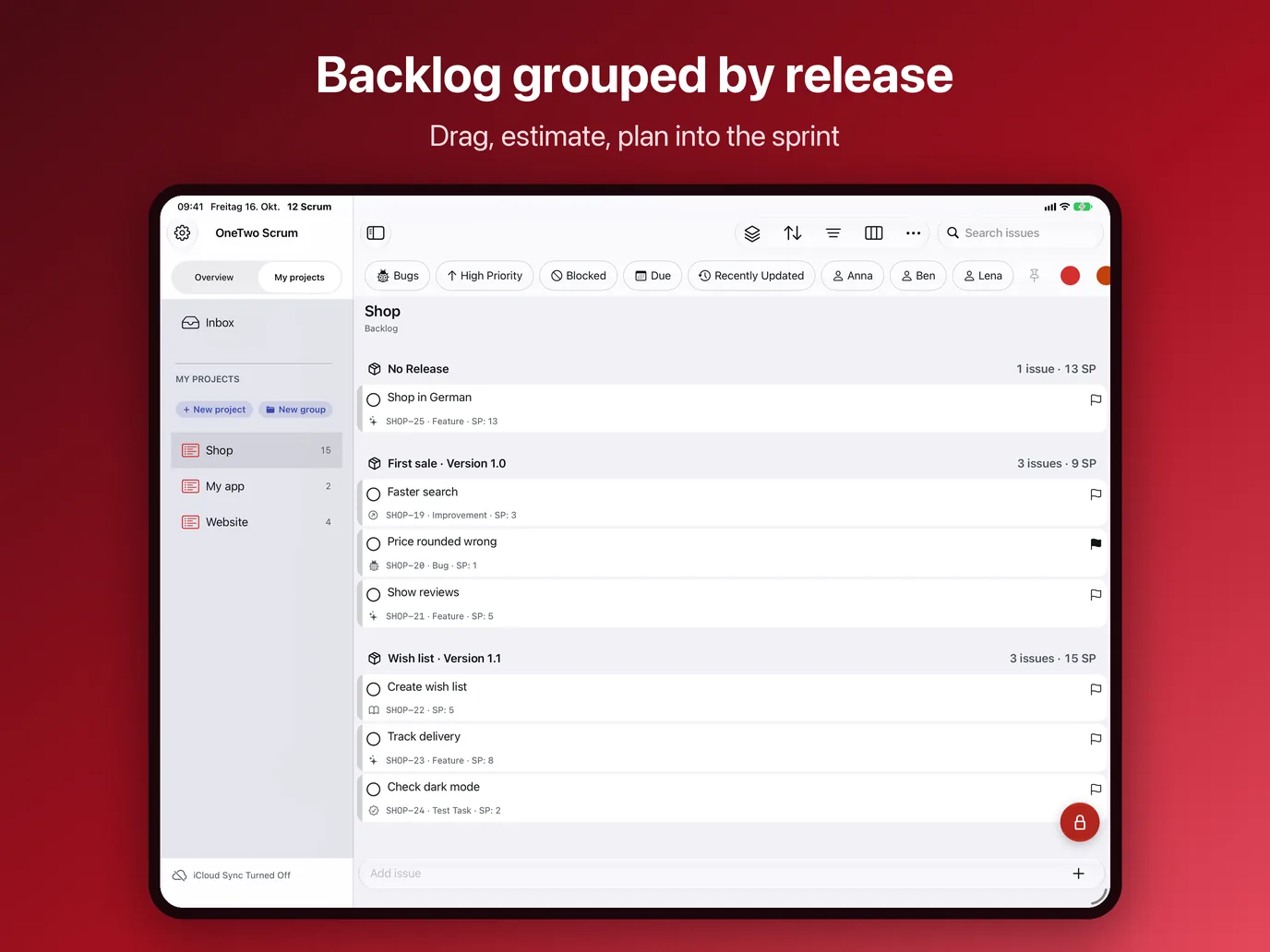
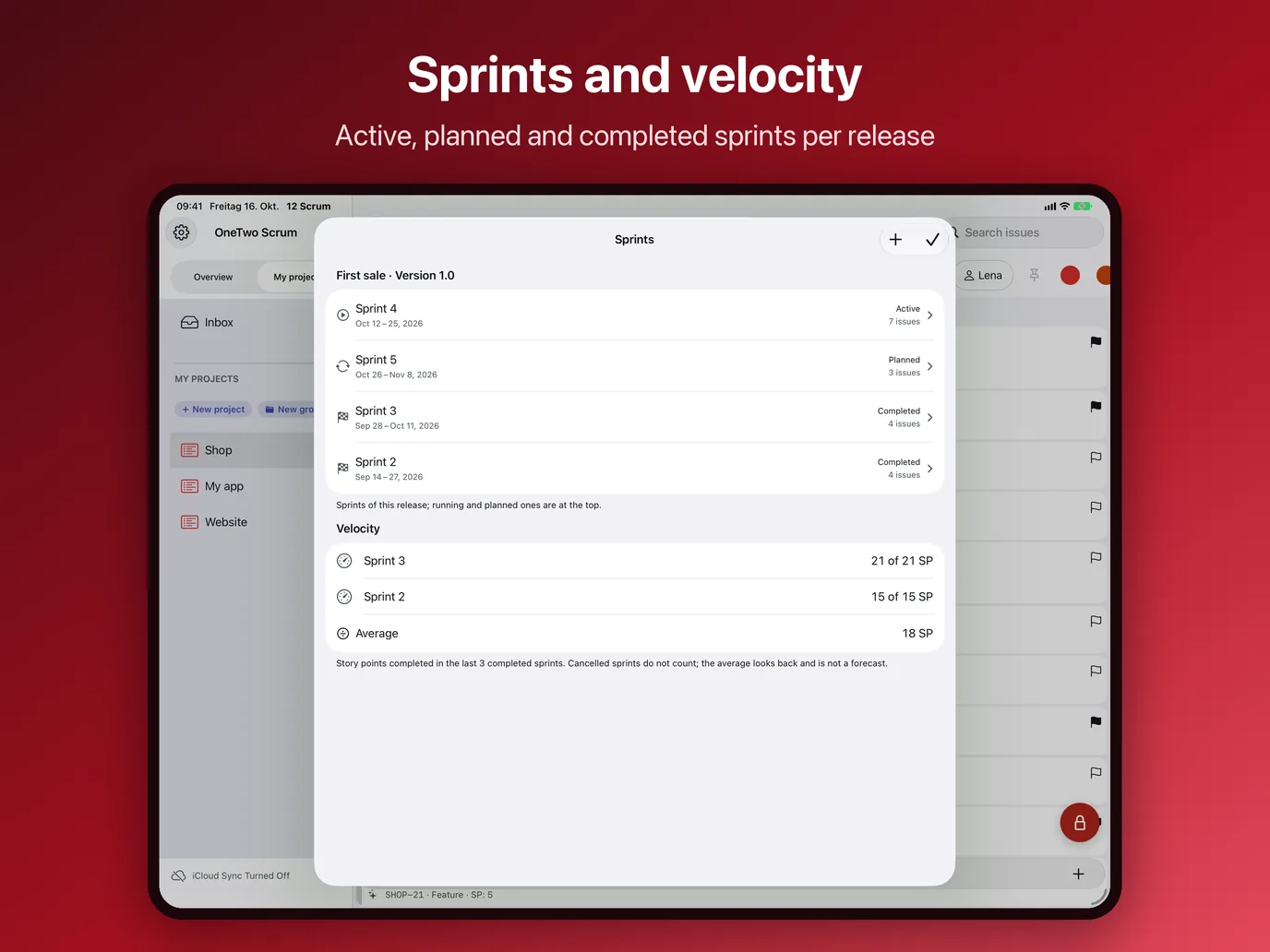
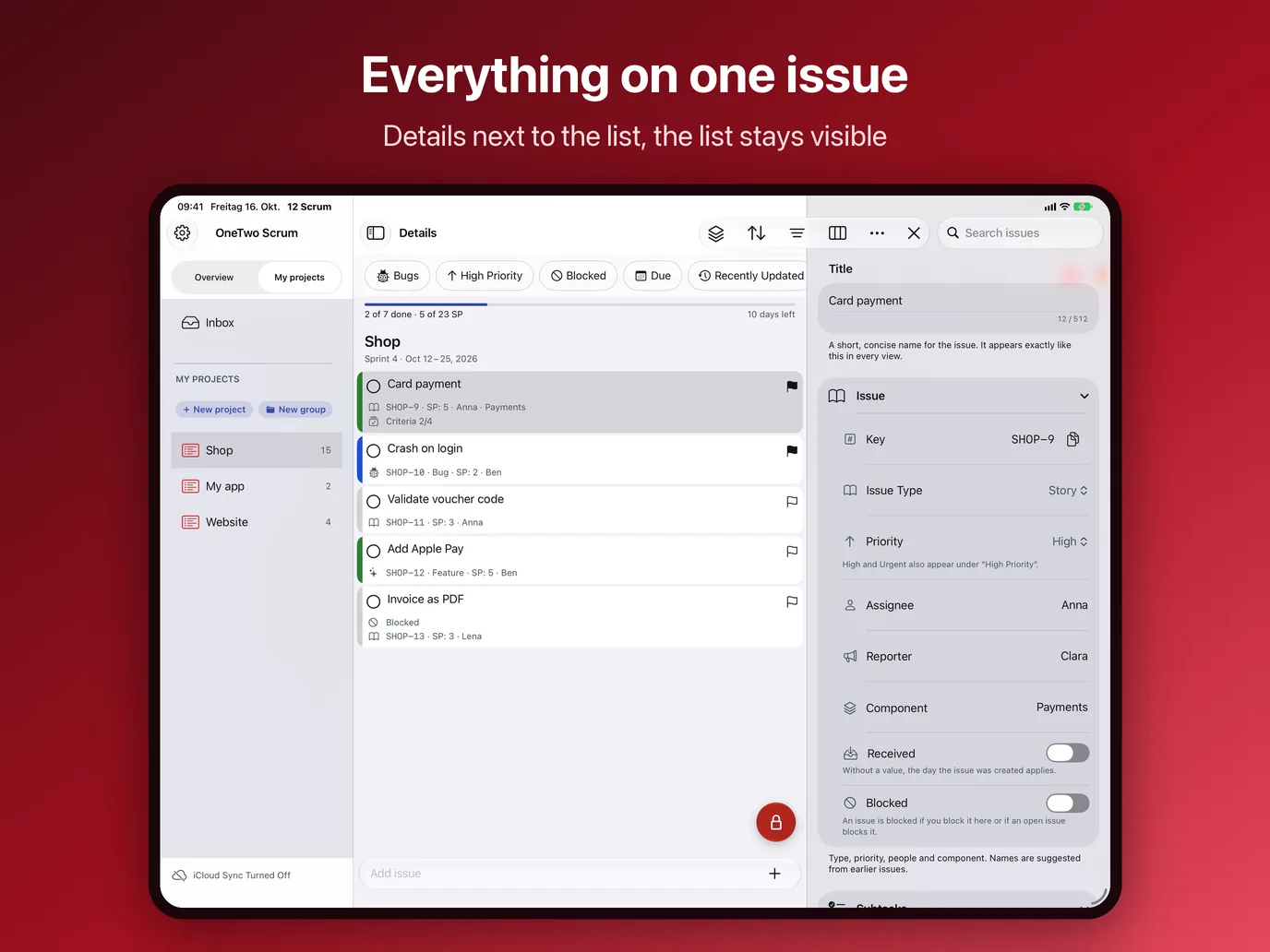
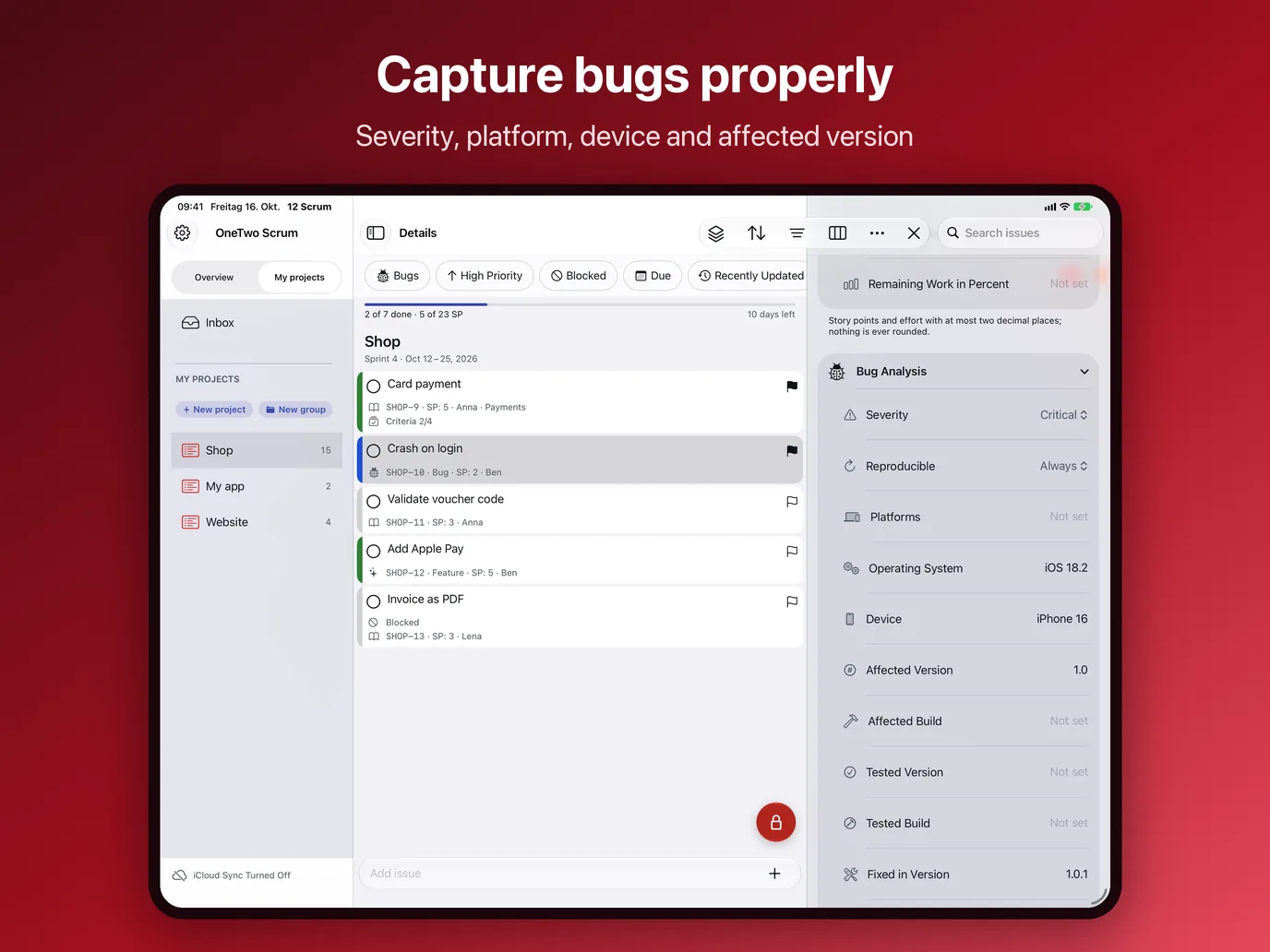
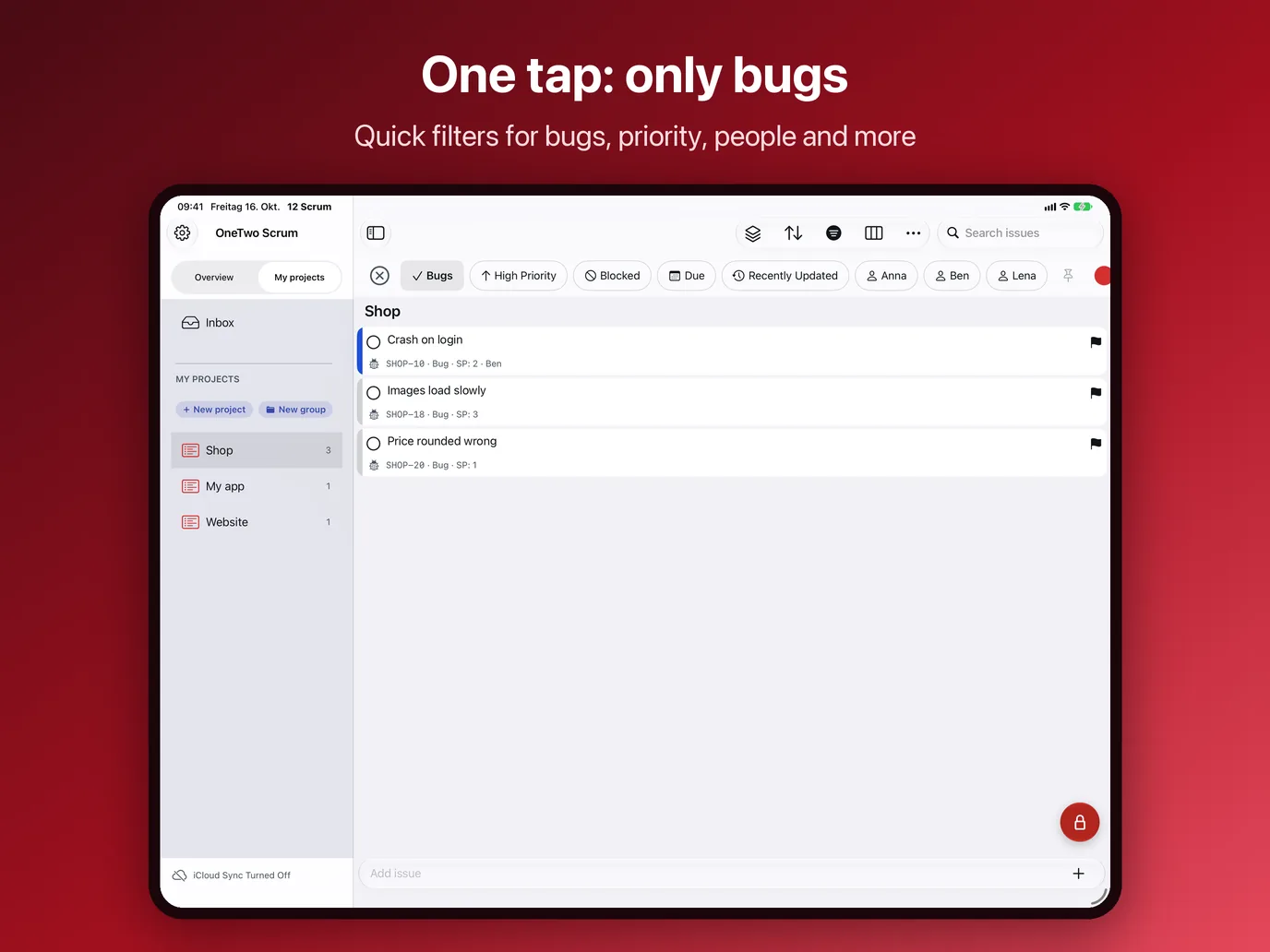
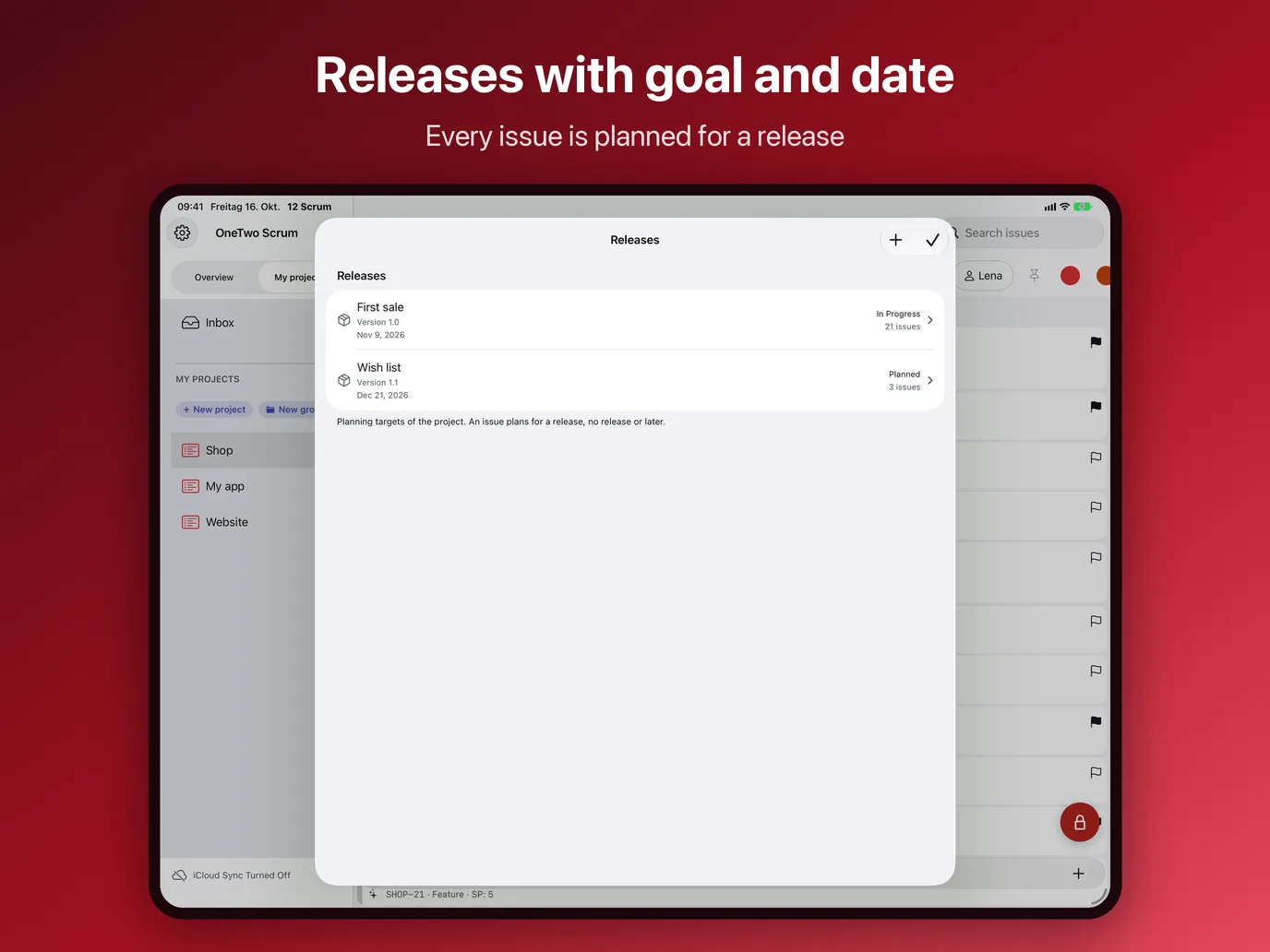

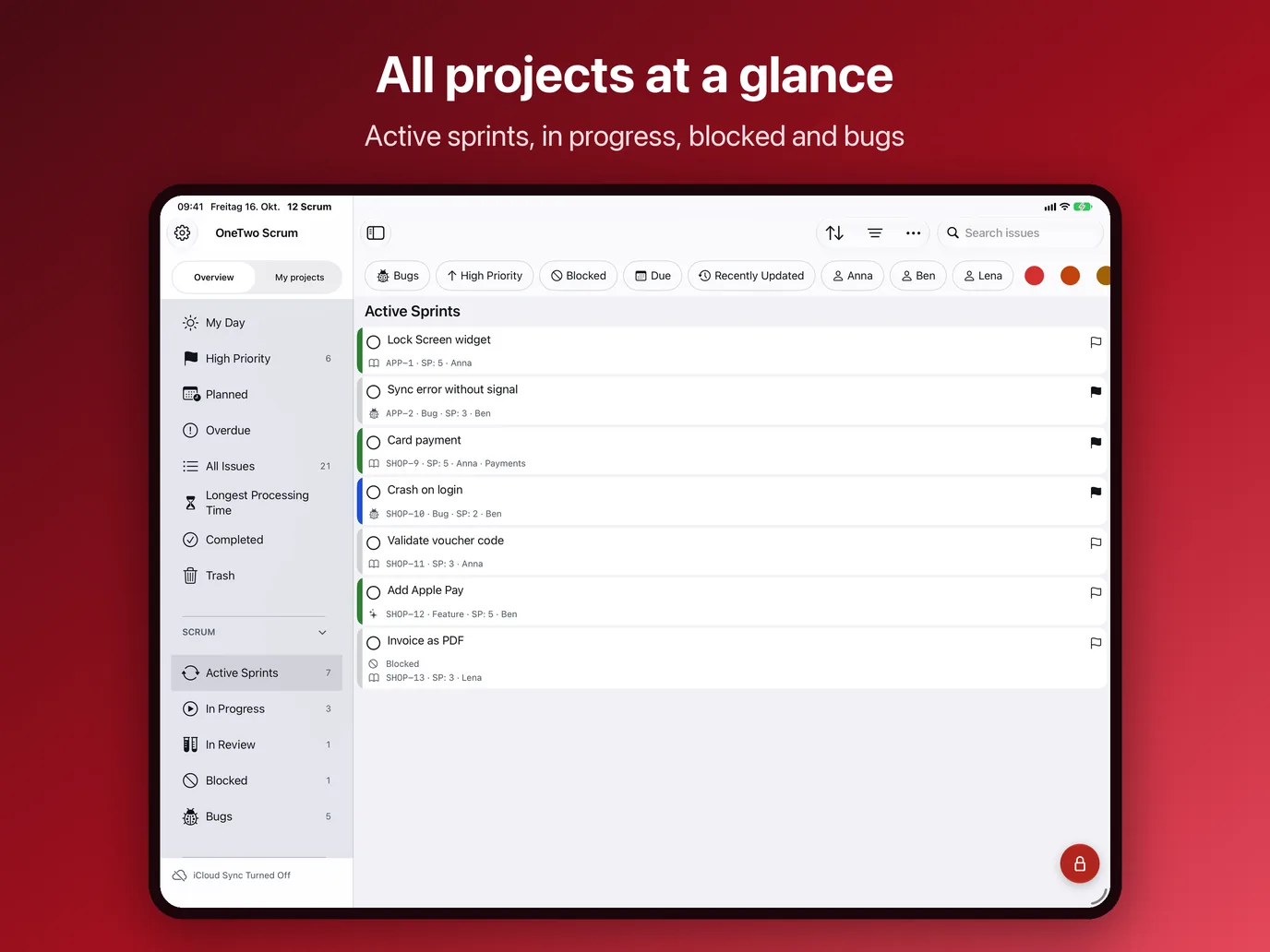
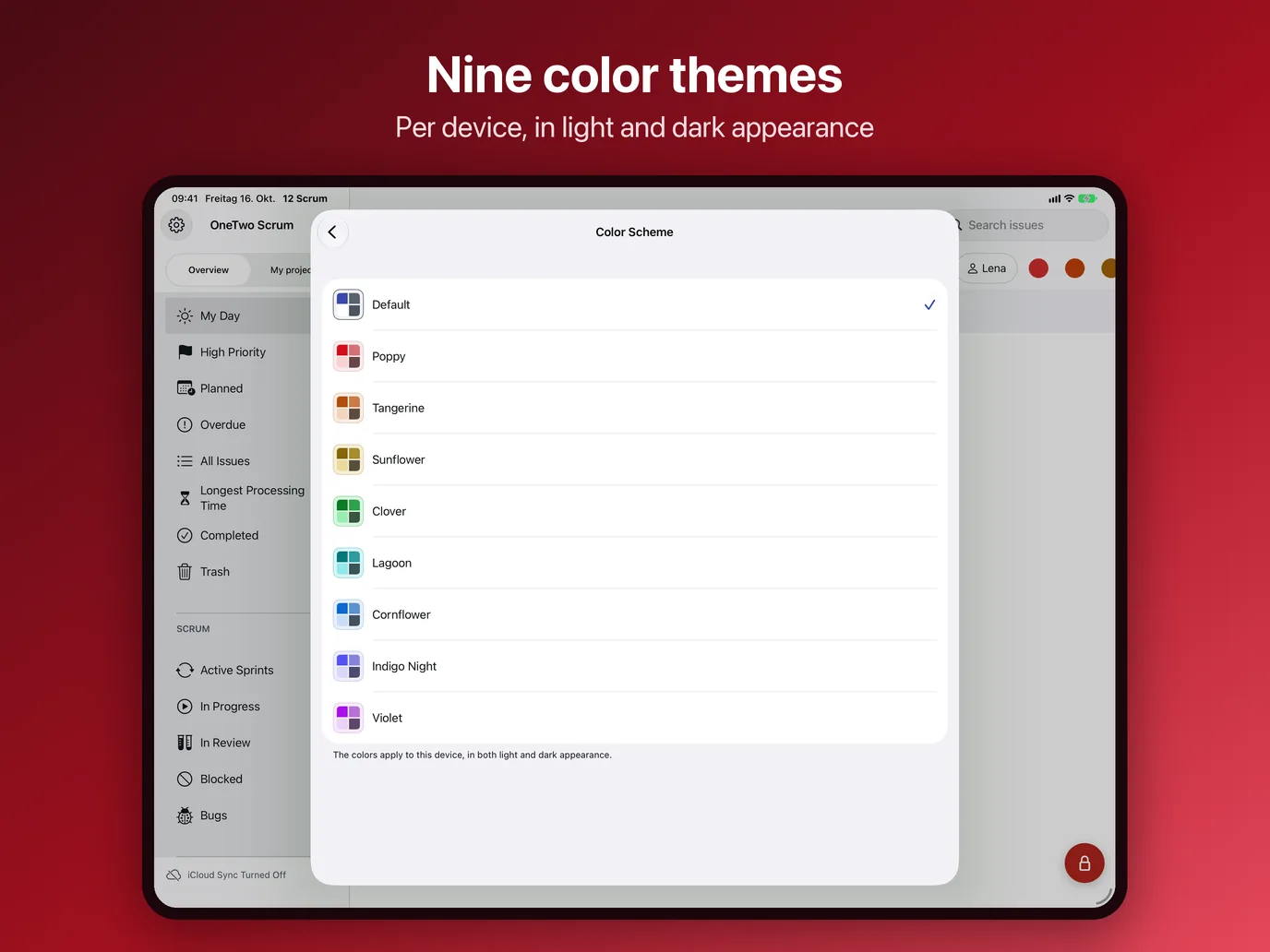
iPadOS 18 or later. All columns at full width, details next to the list, multiple windows and keyboard shortcuts.
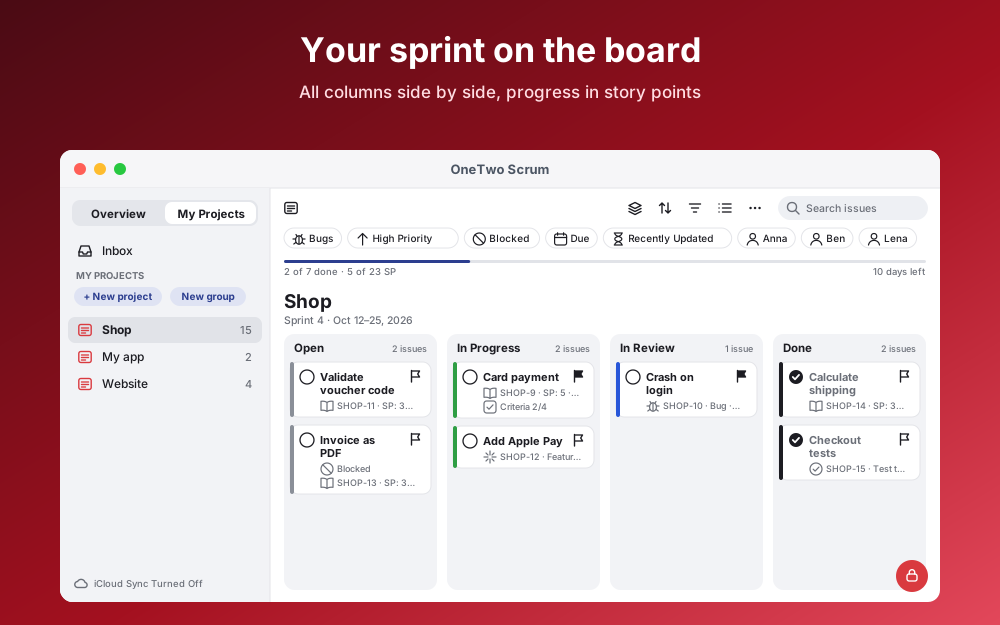
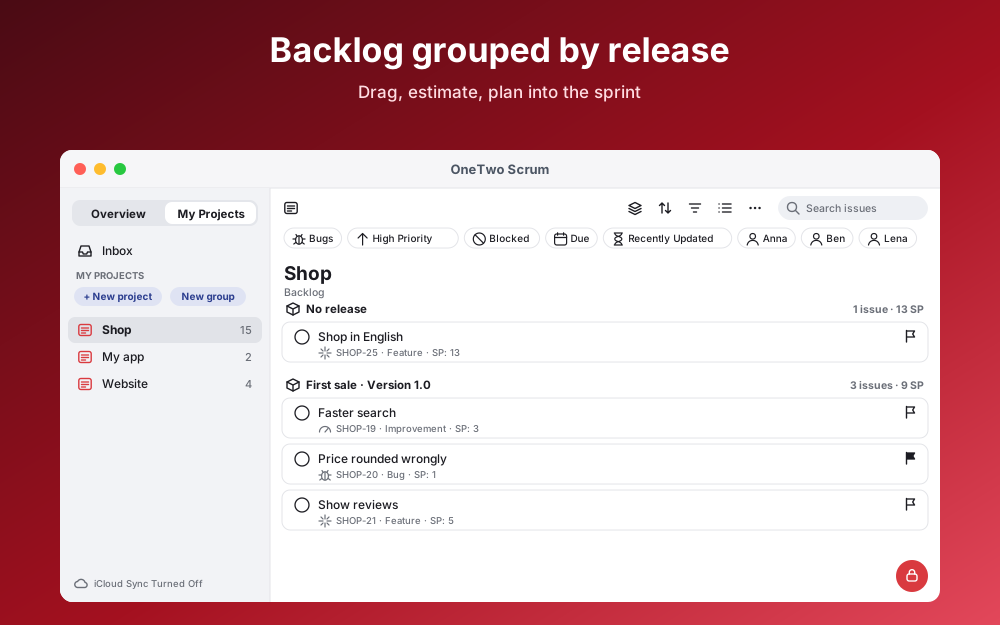
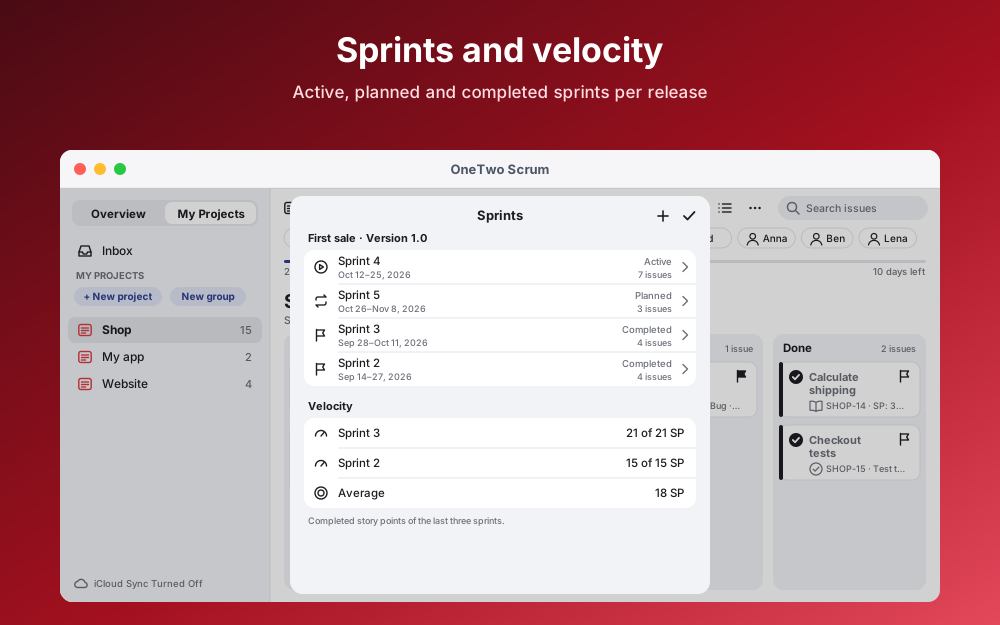
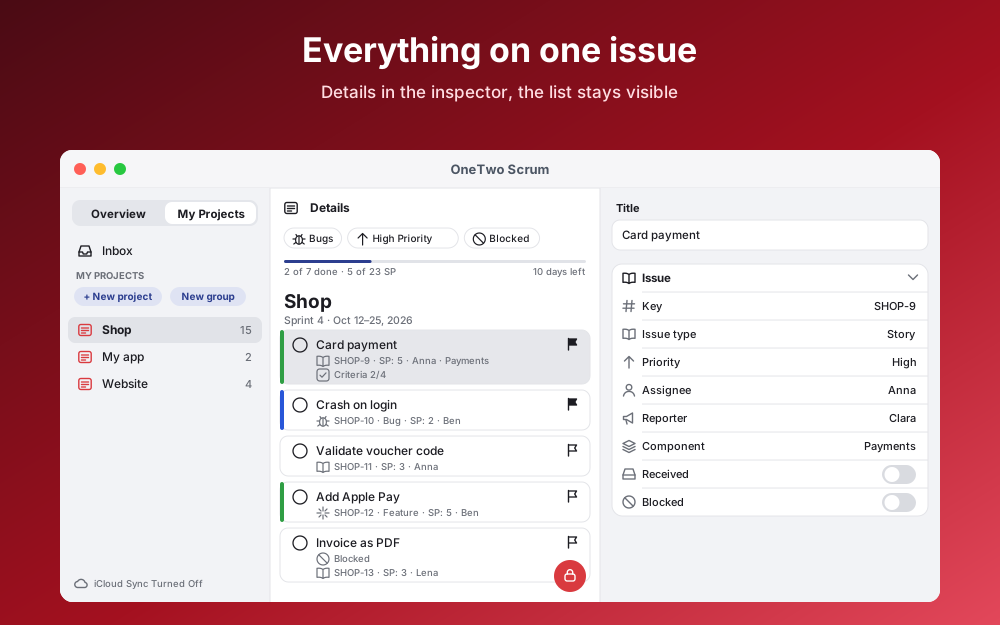
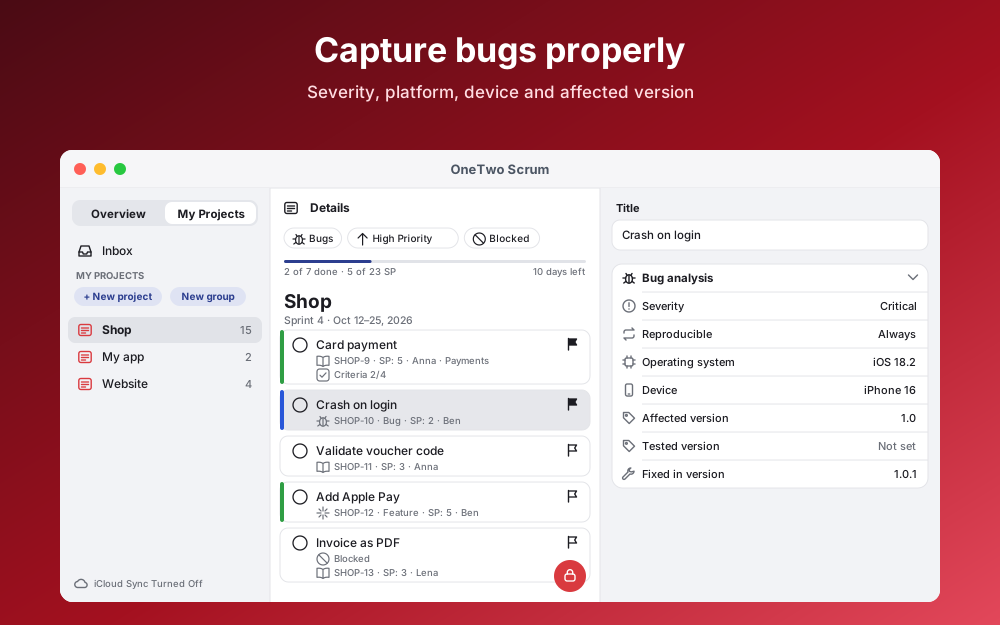
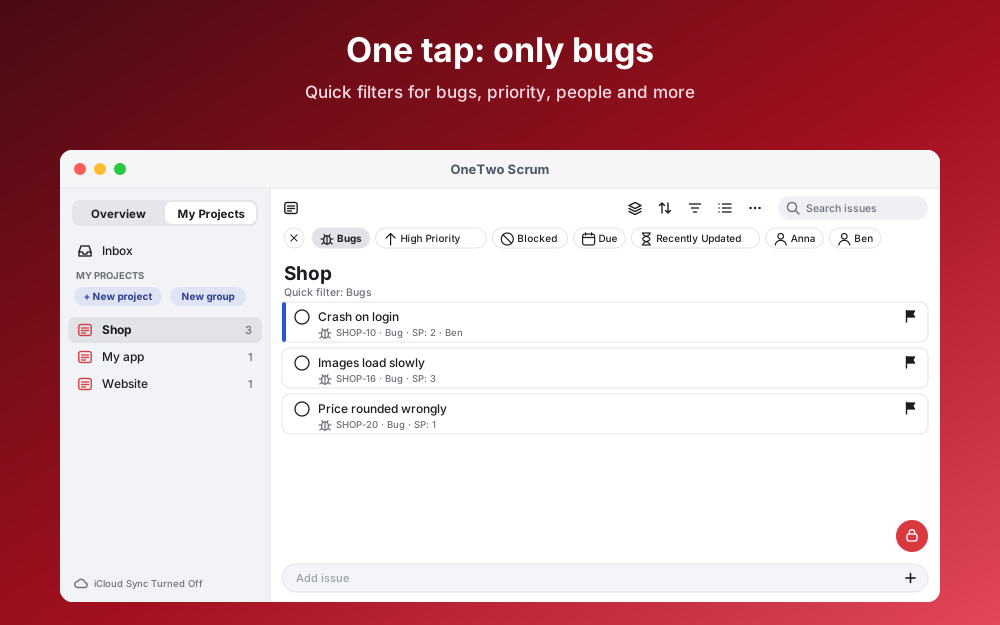
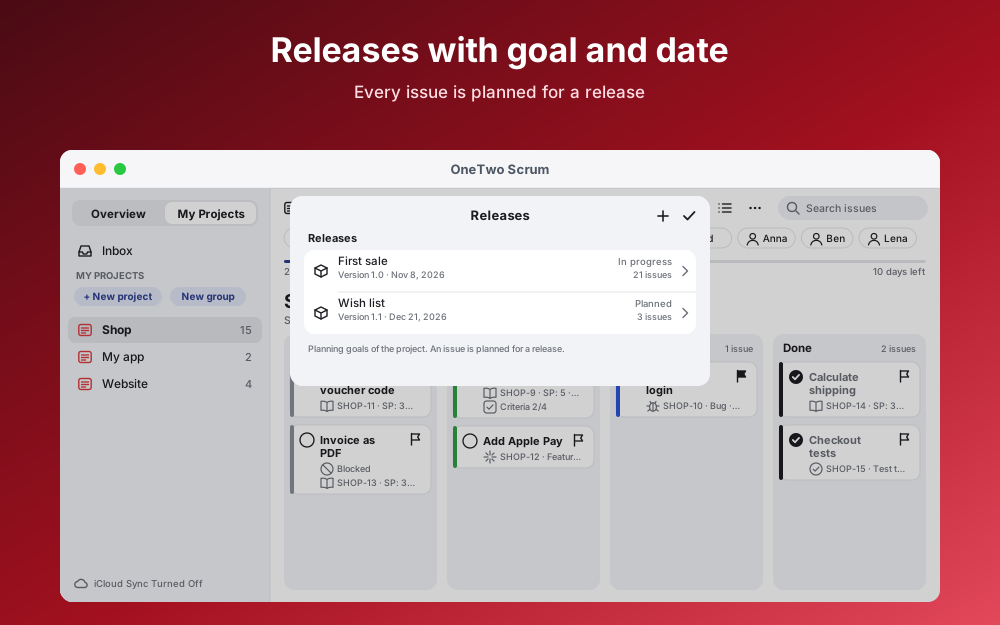
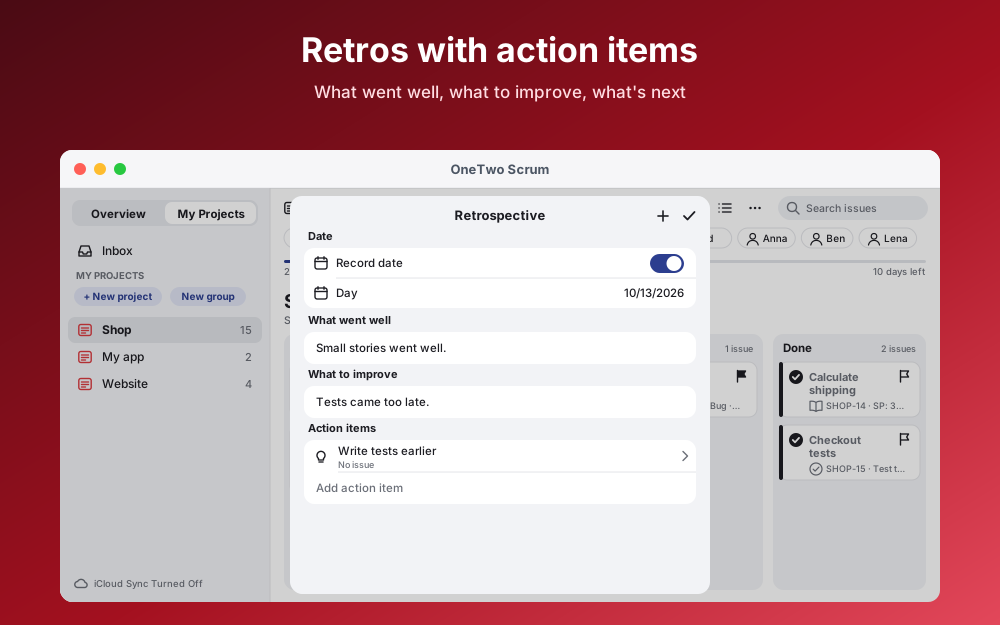
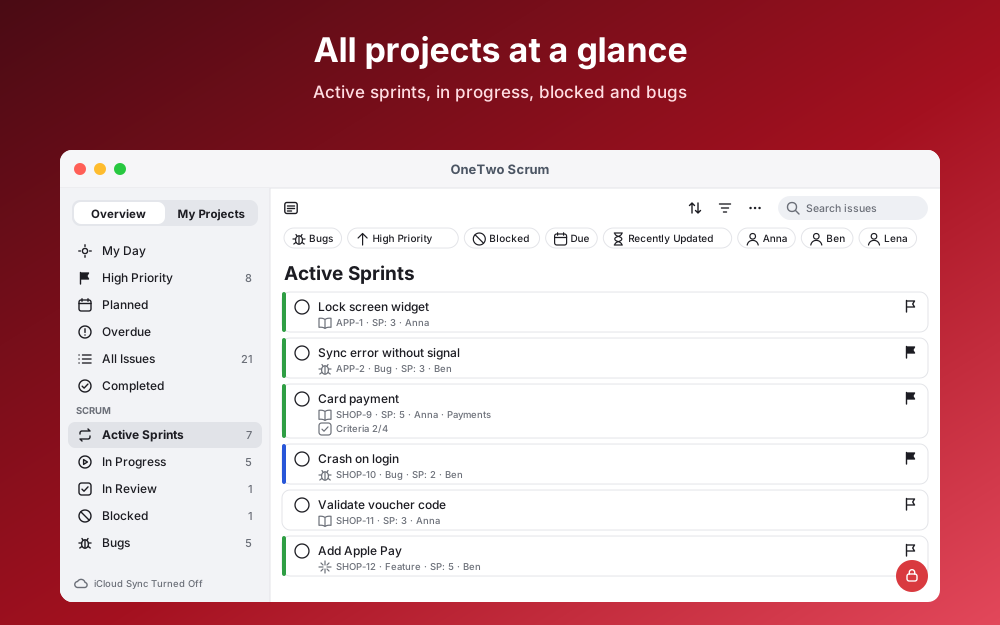
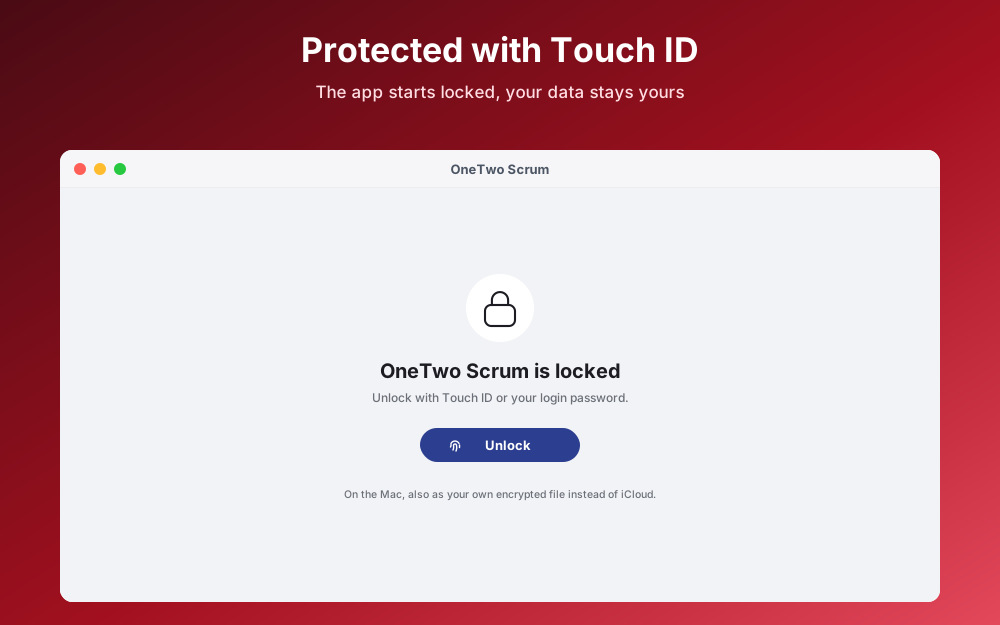
macOS 15 or later. Details in the inspector, menu commands like ⌘N, optionally an encrypted file instead of iCloud. No scan or camera: attachments come from files or Photos. The Mac images are drawn for now.
Tap a step.
With a key such as SHOP. Every issue gets a number like SHOP-12.
Capture stories, bugs and tasks, estimate them and drag to order.
Version, goal and date. “Add sprint” creates the next sprint.
Move issues into the sprint, several at once if you like.
With a sprint goal. The app remembers what was planned.
Move cards along. The sprint header counts story points and days left.
Unfinished work goes back to the backlog or into the next sprint.
Note what should improve. One tap turns it into an issue.
Every card is an issue. Drag it from column to column.
Due dates, reminders and “My Day” are there too, independent of the sprint.
One tap shows only bugs, blocked or due items, or one person.
Done means done: criteria per project and issue.
Severity, steps, device and version.
Across titles, comments, tags and keys like SHOP-12.
Create and finish issues and keep the sprint in view.
Multi-select, undo, trash, export as PDF or JSON.
The overview in the sidebar answers the key questions with a single tap.
Pick an example and complete the five tasks.
Heavily simplified. The demo runs only in your browser.
Everything stays on the device. On Mac also as an encrypted file, e.g. on a USB drive.
iPhone, iPad and Mac stay in step via your private iCloud. Off per device.
Face ID, Touch ID or passcode, plus auto-lock.
On conflicts the app shows both versions. Try it:
Today, 10:15
Today, 10:22
One-time · No subscription · No in-app purchases · No ads
One purchase covers iPhone, iPad and Mac, because all three share the same App Store listing. You pay once and use the app without ongoing or hidden costs.
OneTwo Scrum for iPhone, iPad and Mac. Buy once, use it on all three devices.
Coming soon to the App StoreNo. The eight terms above are enough. You can also start with just the backlog and board and add sprints later.
OneTwo Todo is a to-do app with an optional board. OneTwo Scrum is built for projects: releases, sprints, story points, velocity, review and retrospective are built in.
No. OneTwo Scrum is a personal app without shared projects. “Assignee” and “Reporter” are names, not accounts.
2, 3 or 4 weeks. The app works out the end date.
Because you decide. The app points out the overplanning and asks once. Nothing is forbidden.
Yes, anytime. The confirmation lists what is still open. You can undo it too.
No. iCloud keeps your devices in step, including deletions. So create a backup file regularly; it includes all attachments.
No, it protects access. On Mac, the “Local file” mode stores data encrypted.
Then the app can no longer be opened. The main password is optional and off by default. If you use it, keep it safe.
30 days. Until then you can restore them.
There is no date yet. This page will be updated as soon as OneTwo Scrum is in the App Store.
All about privacy: see the privacy policy.