Navigate Back remembers important spots, records your tour and brings you safely back to your starting point – even without an internet connection.
Coming soon to the App Store
The idea for Navigate Back came during a cruise. On a shore excursion, I almost didn't make it back to the ship in time – and realized in that moment that I was missing exactly the information I needed.
Where is the ship docked? What's the fastest way back to the port? Who can I call at the cruise line? What do I do if I can't communicate with anyone on shore?

You rarely think about questions like these in everyday life – but once things get tight, the stress kicks in fast. That's why Navigate Back brings together the key functions for trip preparation, orientation and finding your way back, all in one place.
An overview of the most important features.
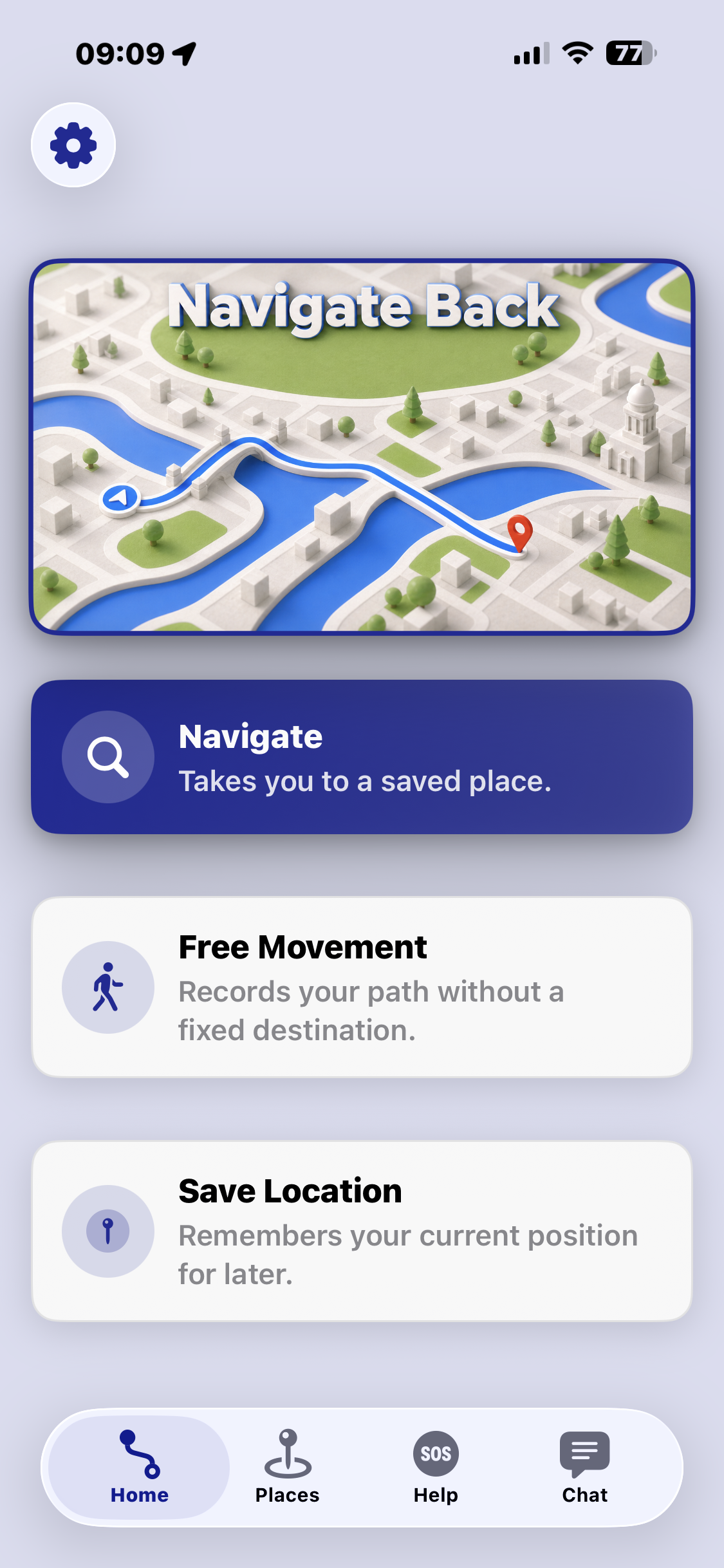
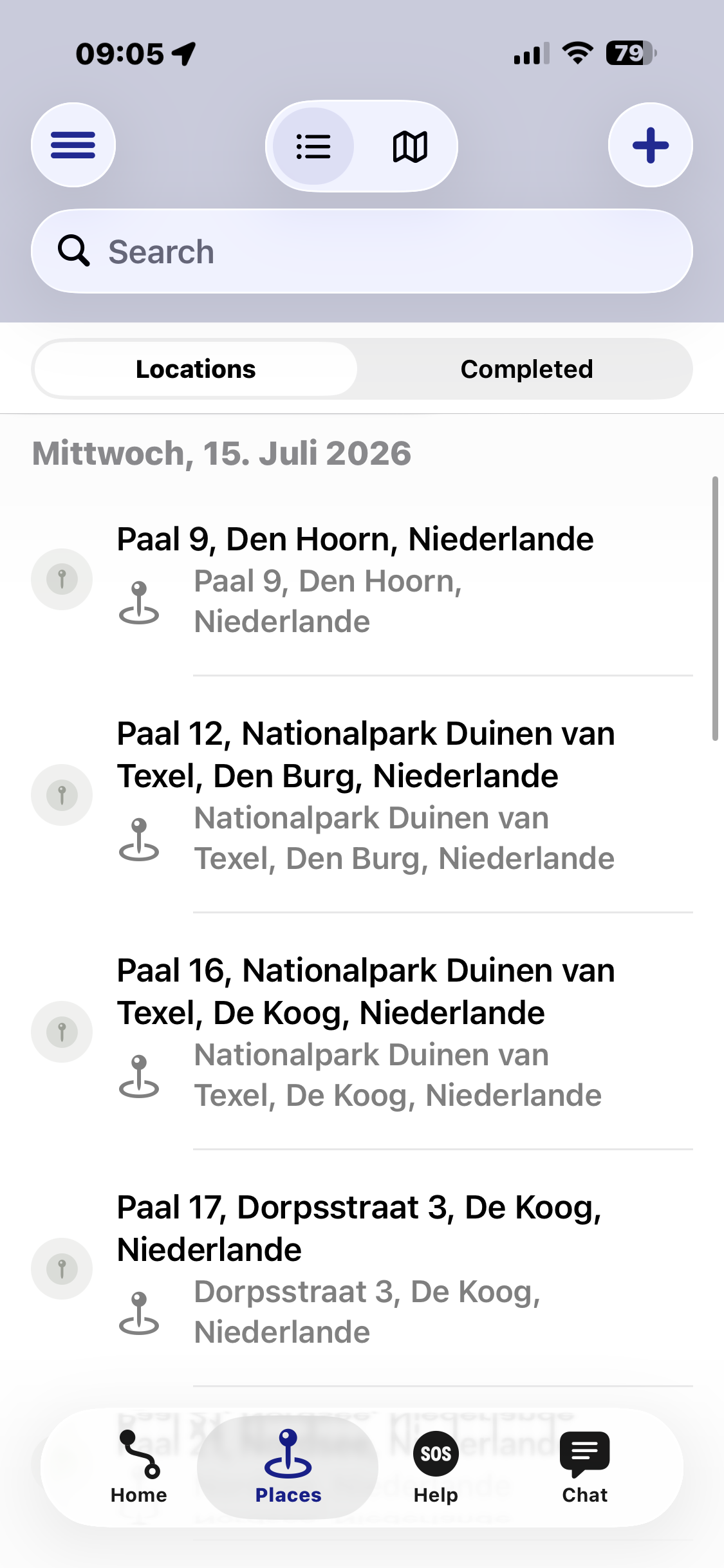
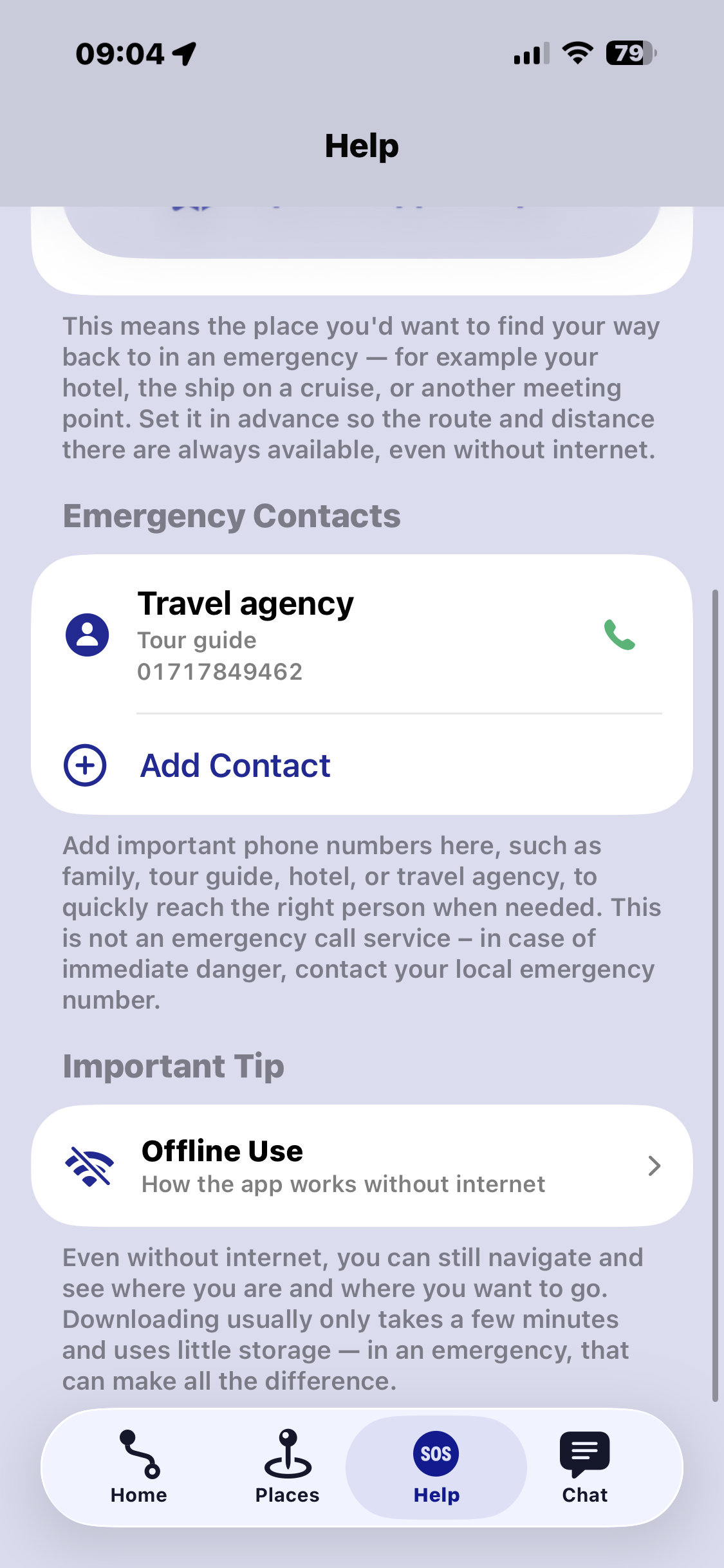
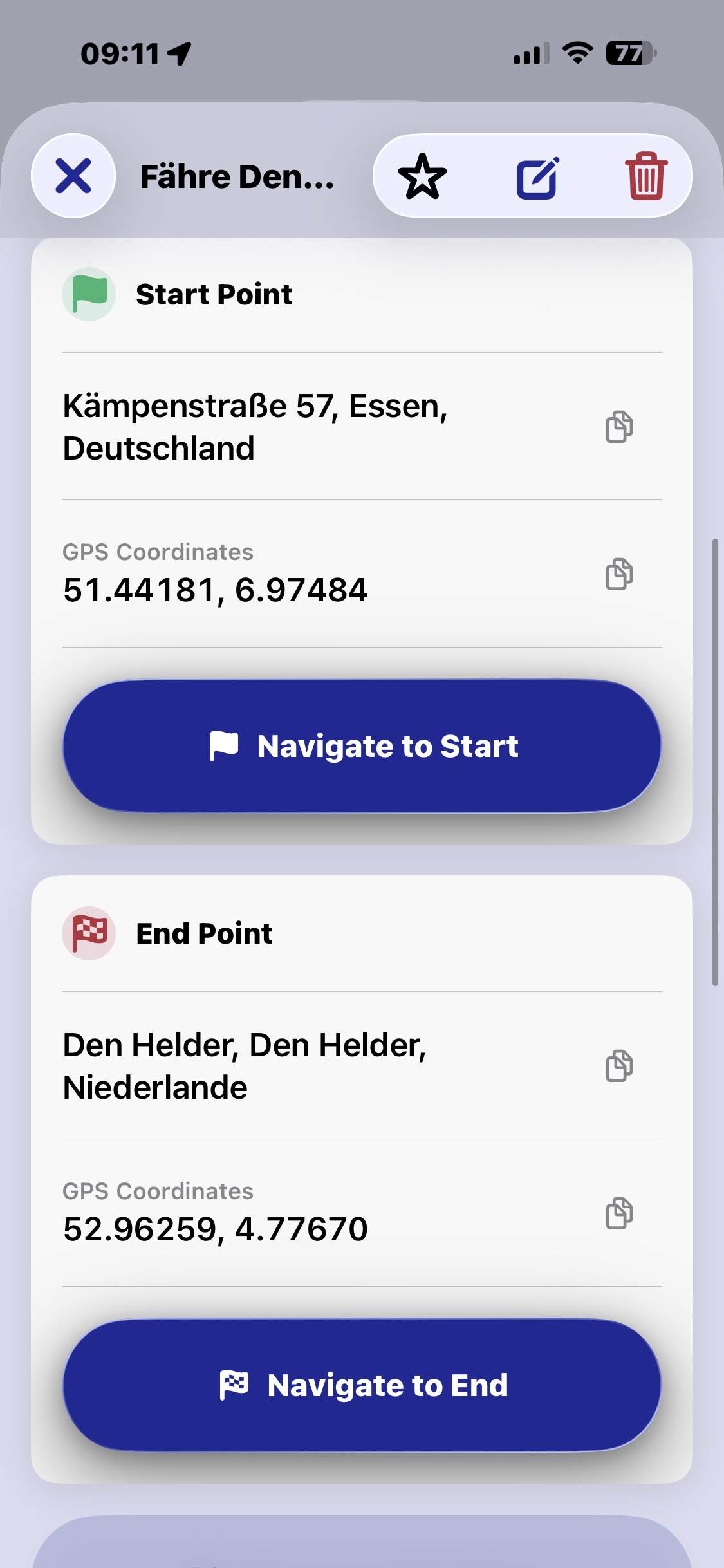
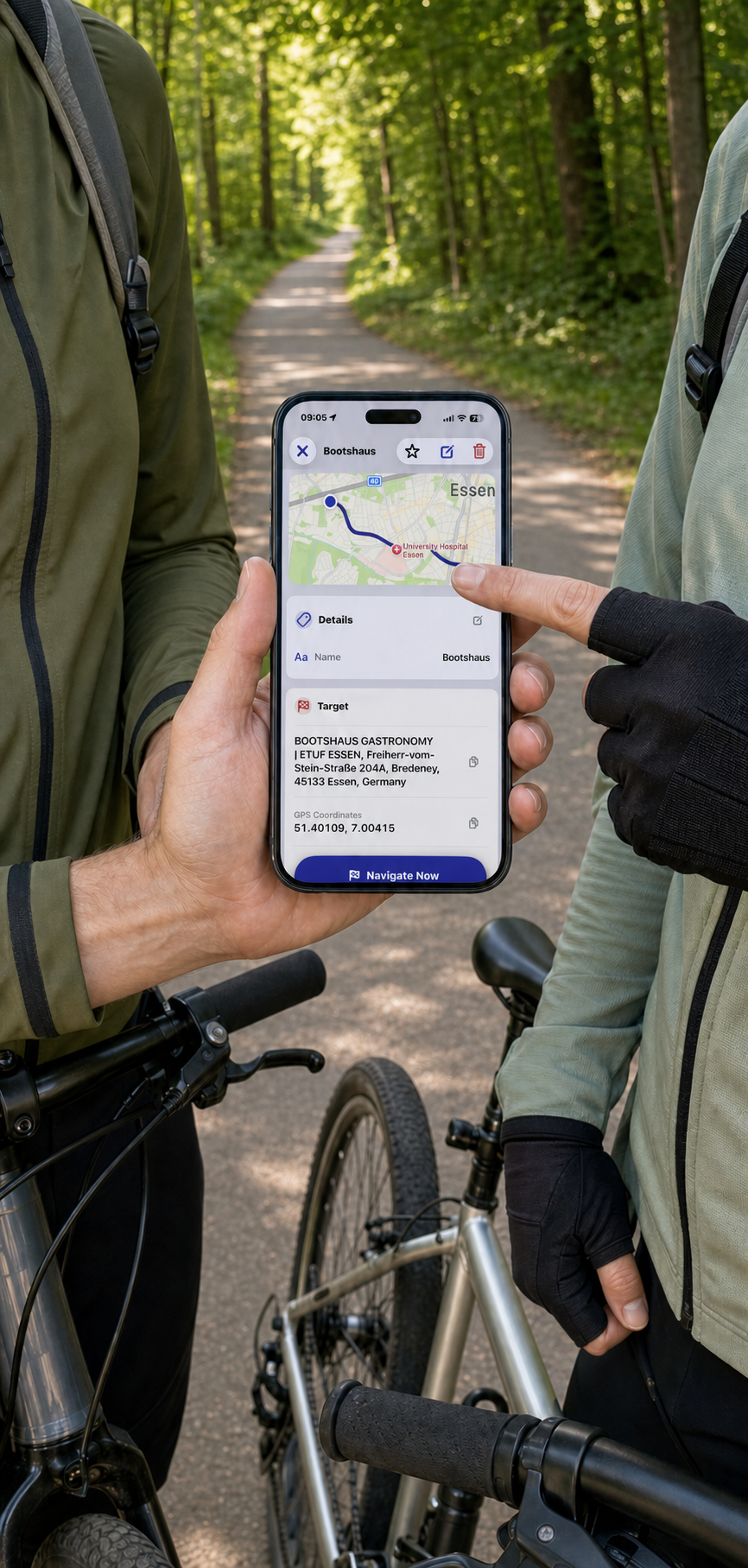
Ports, bus stops, excursion destinations, emergency addresses and contact details for the cruise line or tour guide – all in one place.
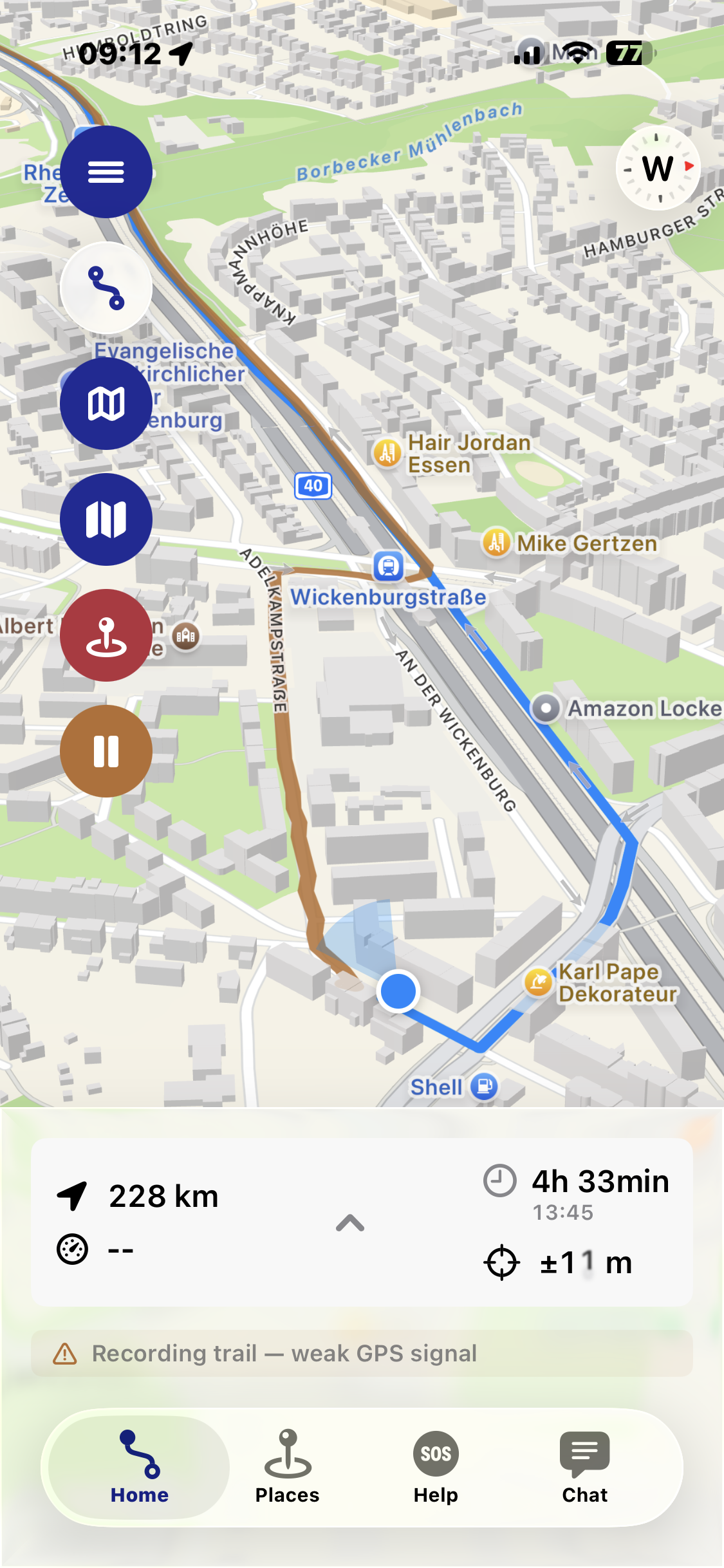
Track the path you've walked and drop markers along the way at important or interesting spots.
Follow your recorded route back, or navigate directly to your saved starting point.
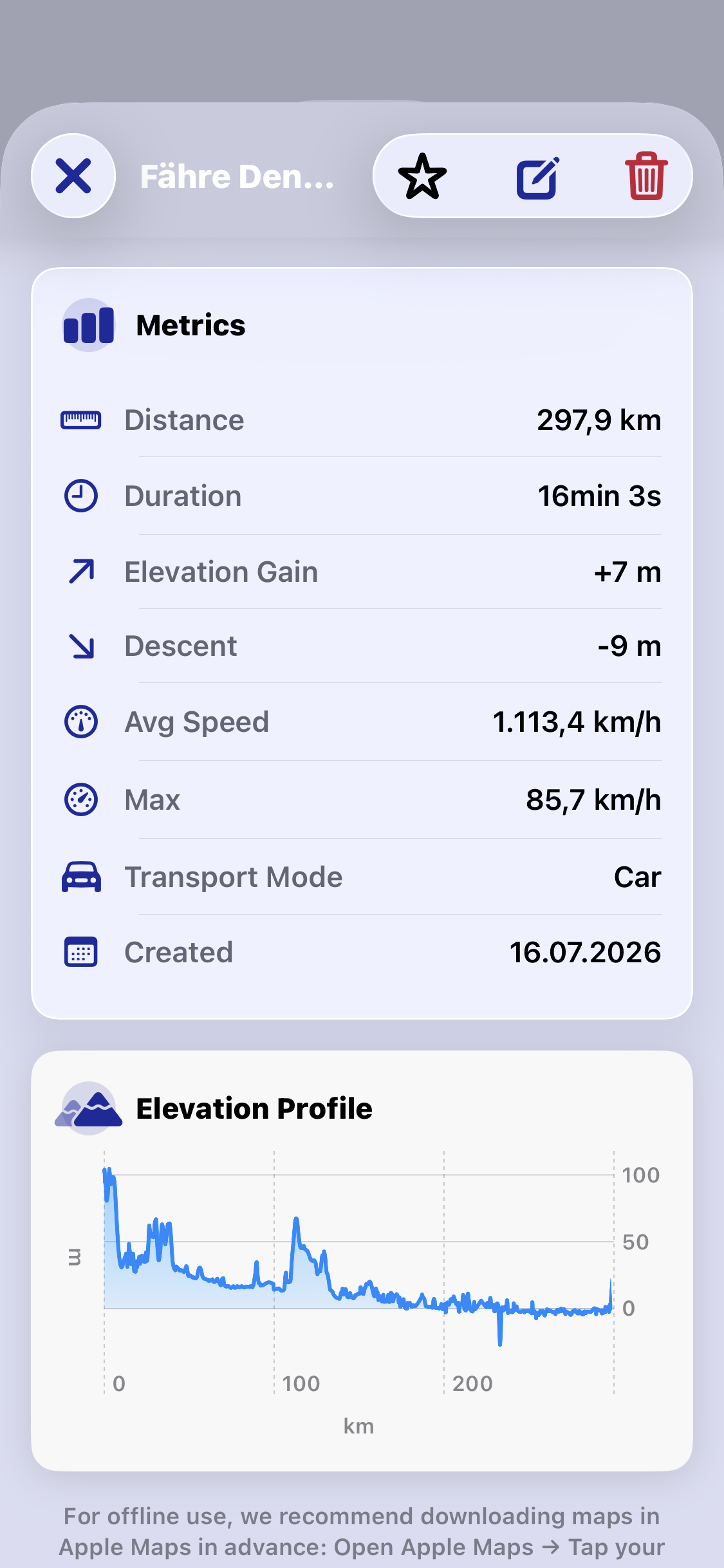
Distance, pace, duration, ascent and descent – during the tour and in the summary afterwards.
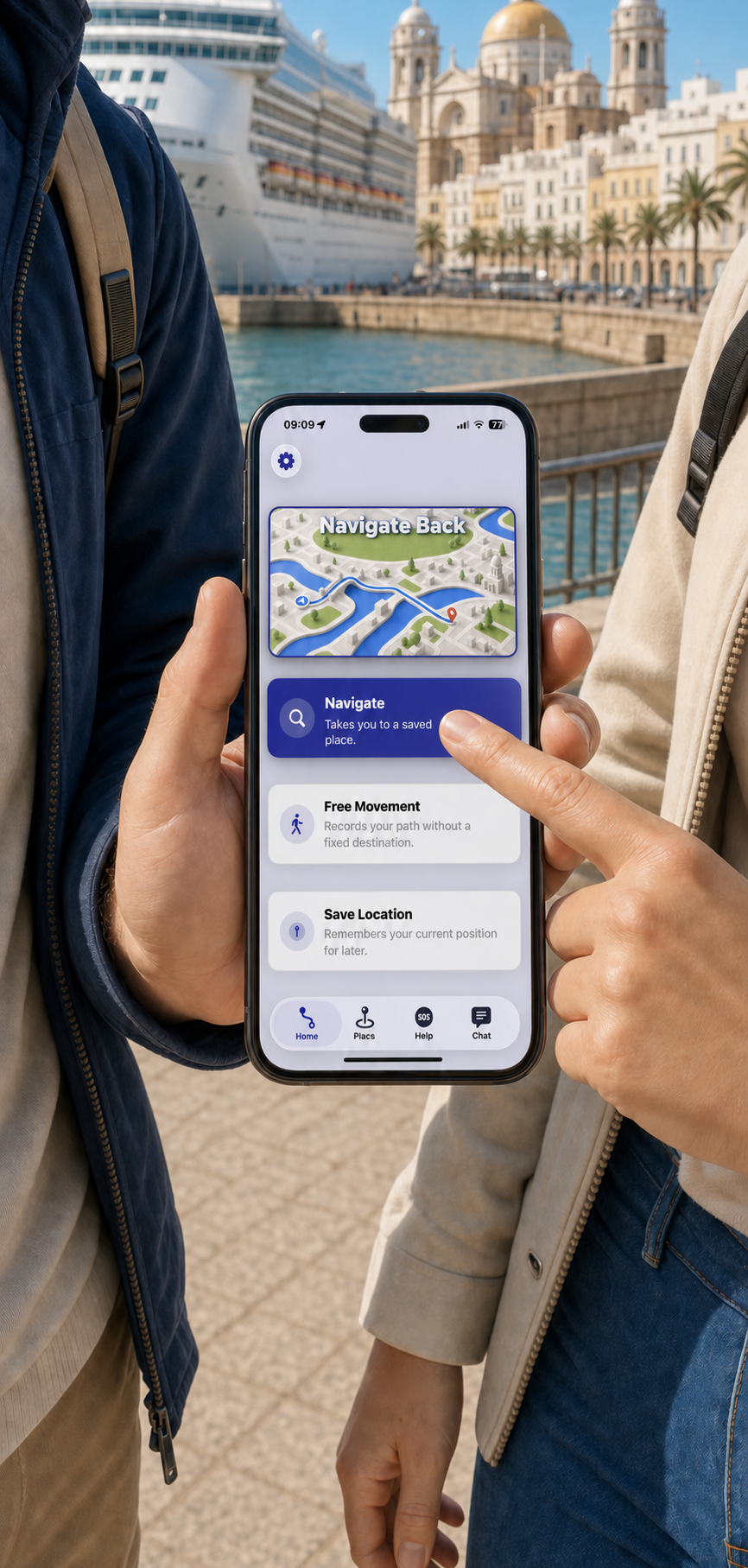
Use downloaded Apple Maps data along with GPS and compass, even with no internet connection at all.
Directional information overlaid directly on the camera view – helpful in confusing or unfamiliar surroundings.
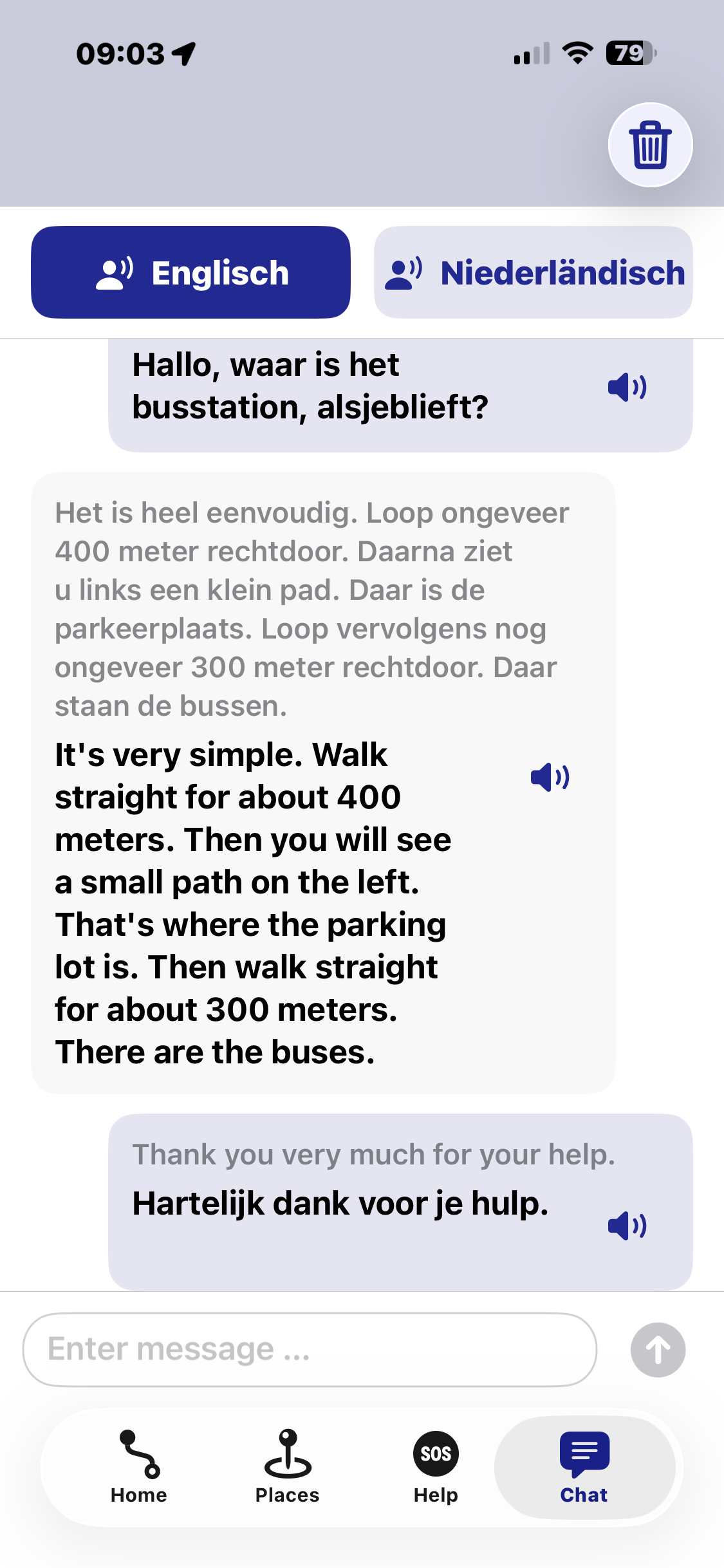
Break through language barriers: your input gets translated and can be read aloud in the target language.
Plan your trip on the iPad, use it on the go with your iPhone – your data follows you across all your devices.
From trip preparation to a safe return on board – step by step.
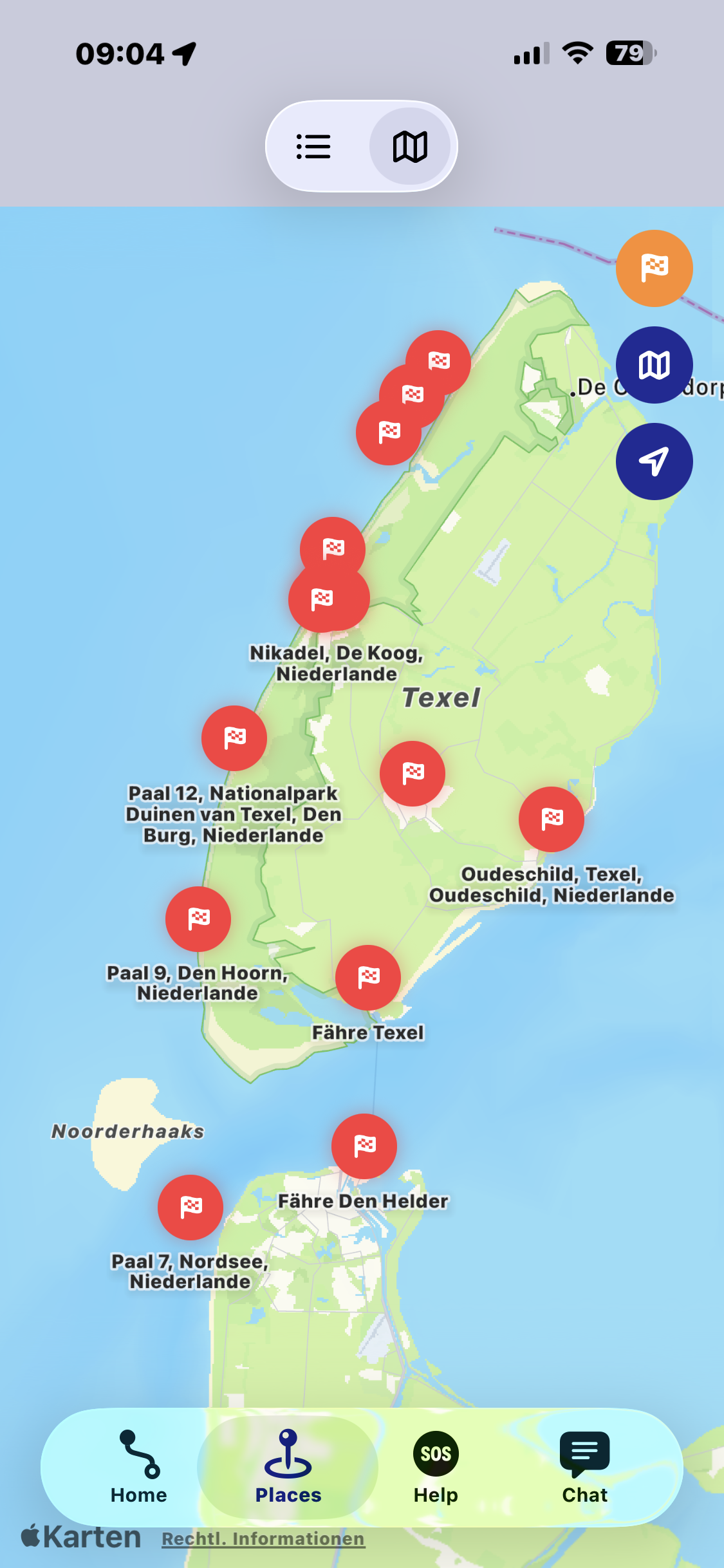
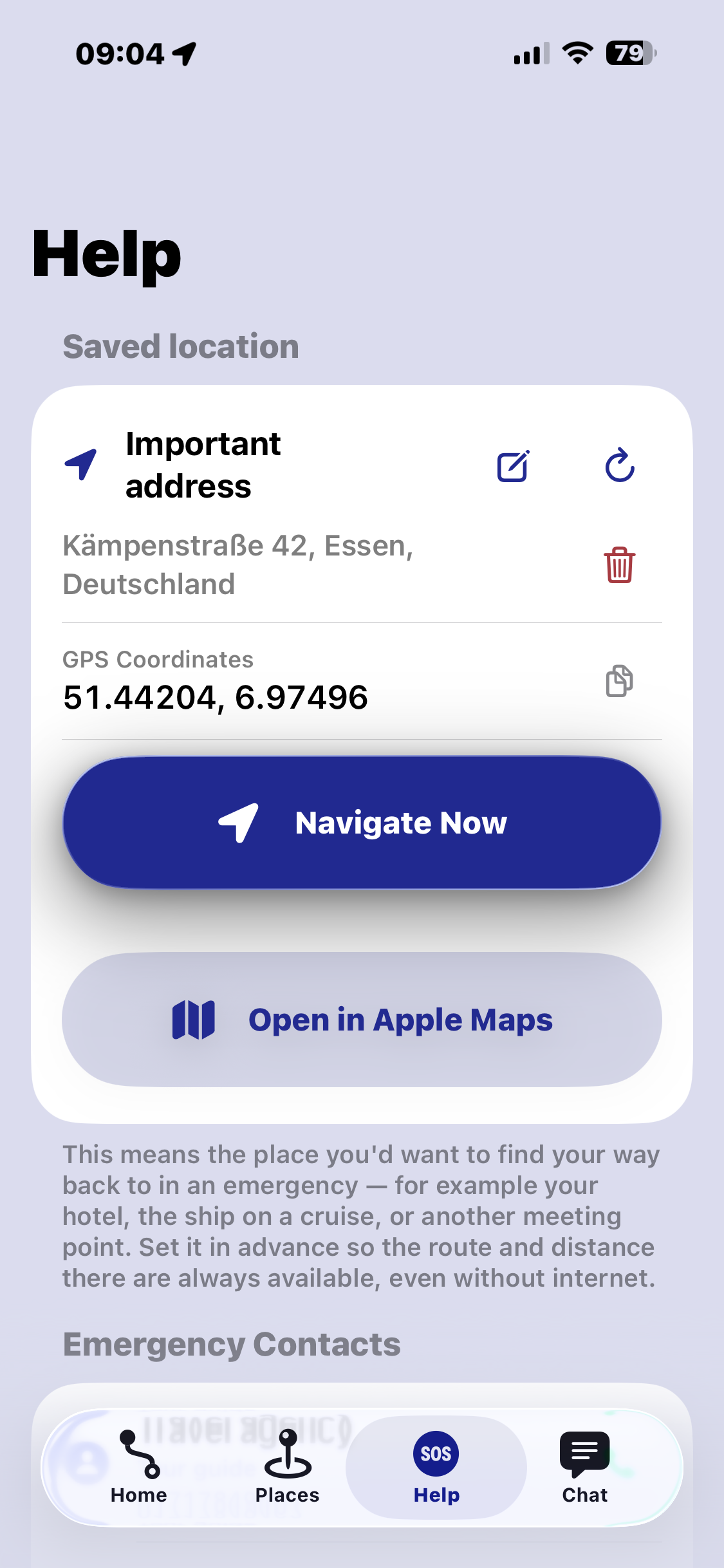
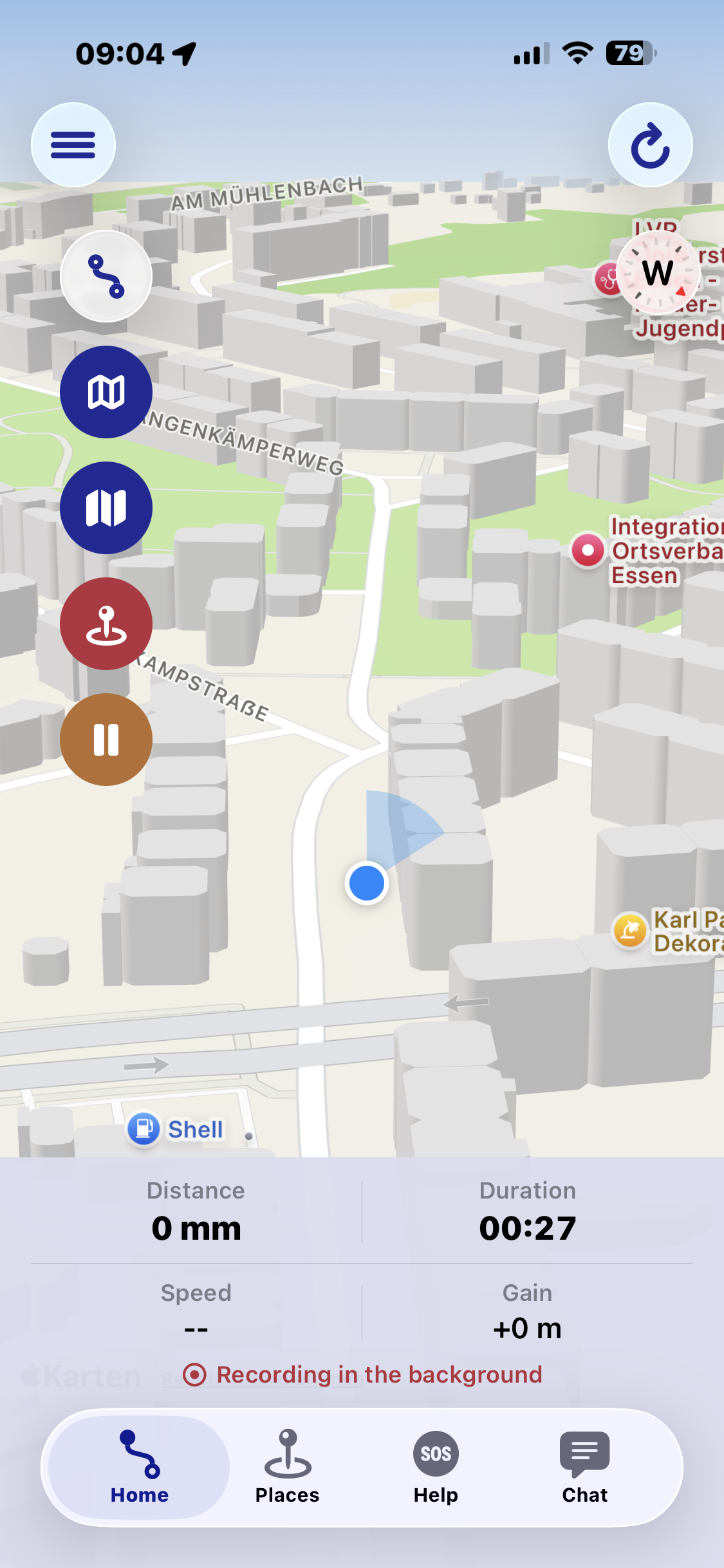
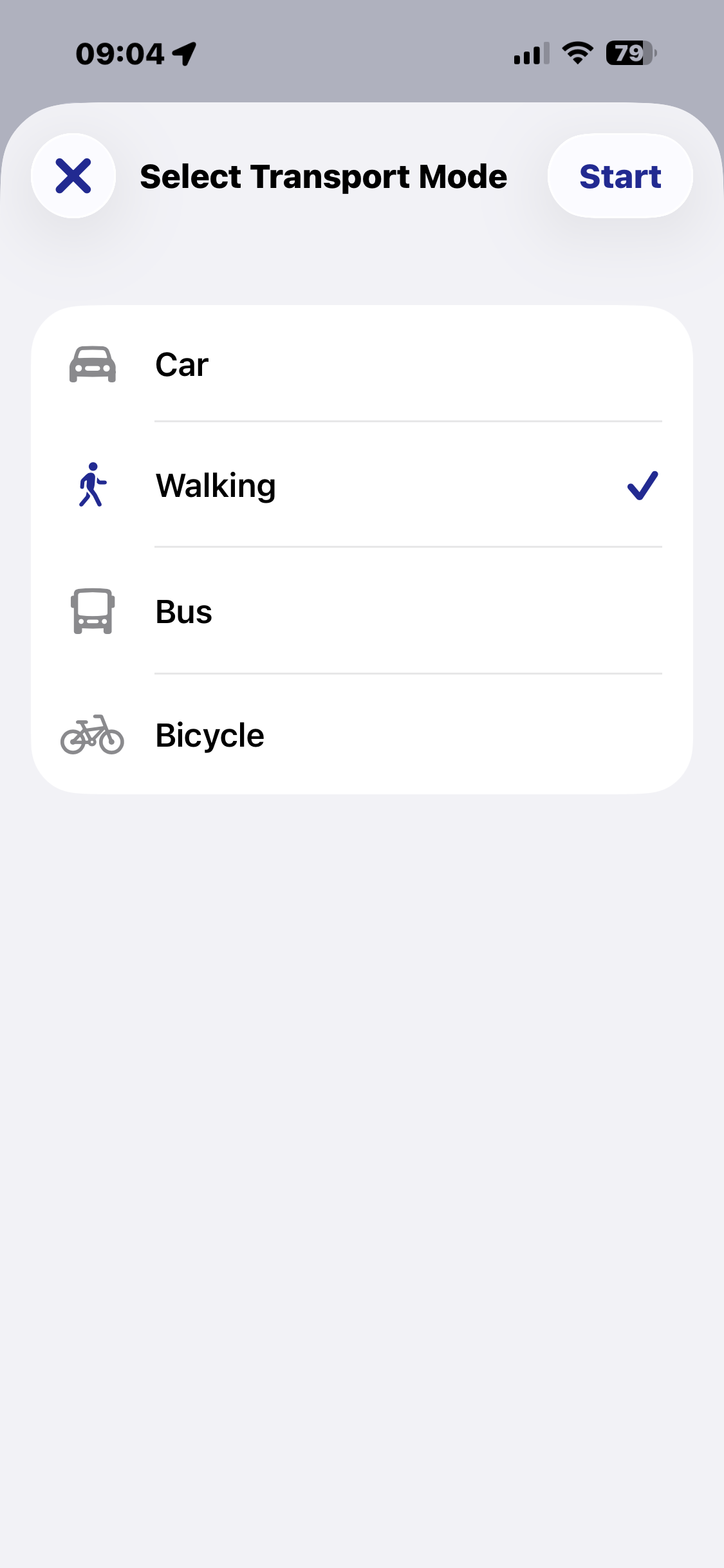
Not just for cruises – also for many other trips and everyday situations.
Save your berth, meeting points, emergency contacts and excursion destinations. Record your route and find your way safely back to the port.
Mark your hotel, sights, restaurants and stops, and find them again at any time.
Record your route and review distance, duration, pace and elevation changes.
Track the path you've taken, save interesting spots and use the trail to orient yourself later.
Save where you parked your car and use it directly as a navigation destination later.
Just set off and let your route be recorded – for a safe way back afterwards.
Prepared for the trip, oriented on the go, and safely back at your starting point.
One-time purchase · No subscription · No in-app purchases
You pay once and use Navigate Back without limits from then on – no ongoing costs, no subscription and no extra features hidden behind a paywall. All features are freely available, and the app is continuously being developed further.
Navigate Back is in the final stages of development.
Yes. With offline maps downloaded in advance, along with GPS and compass, orientation, saved spots and your recorded track all work even without an active internet connection.
For preparation – such as downloading offline maps and adding spots – you'll need an internet connection once, ideally at home before you travel.
The translation feature is part of the app. Details on data processing will be published once the app is available in the App Store.
Your data stays on your device. Optionally, you can sync it encrypted across your Apple devices using your own iCloud account.
Navigate Back is being developed for iPhone and iPad, including support for the Apple Watch.
Navigate Back will launch in German and English.
The app is currently in development. Once a release date is set, it will be announced here.